
Wrong-Assembly Alarms: How to Keep Them Credible
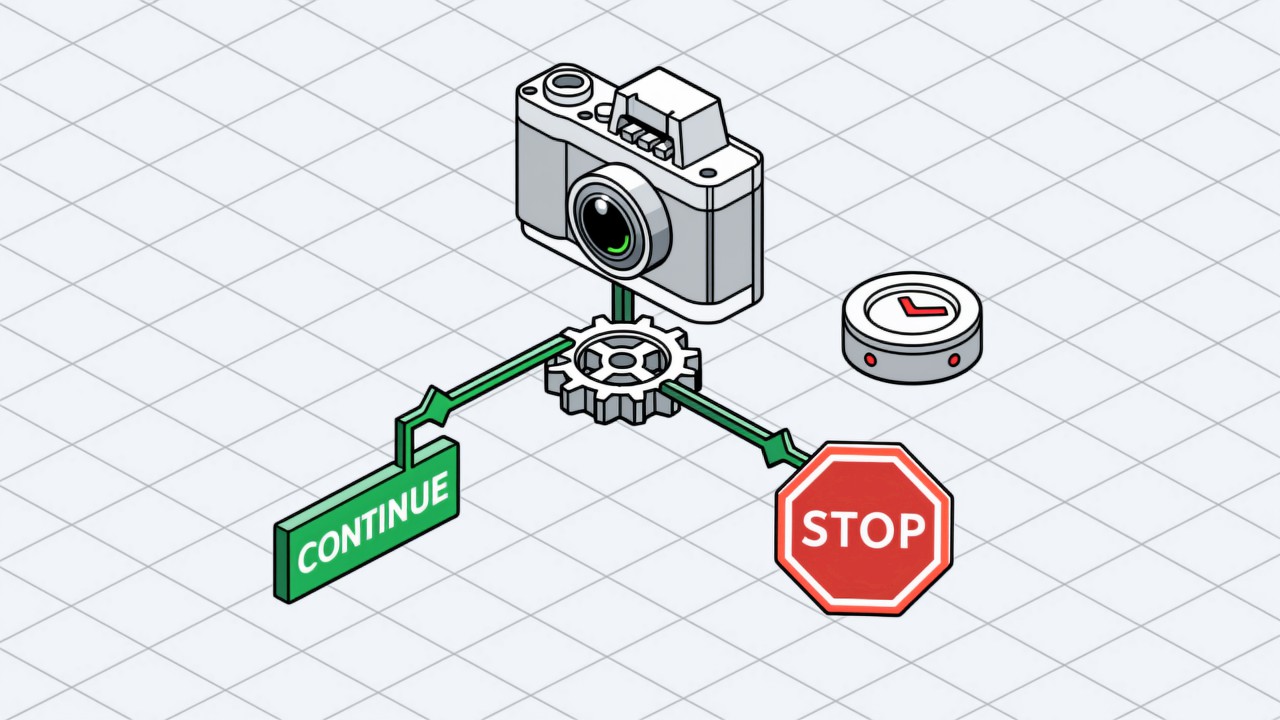
The most common reason a visual SOP project fails is not poor recognition — it is too many false alarms, and the line switching the system off. False-alarm control is a set of engineering practices: threshold calibration, confirmation logic, whitelists and a gradual rollout. Turning the sensitivity down is not one of them.
Key takeaways
- False alarms are the number one cause of project failure, and deserve more effort than recognition accuracy.
- Turning sensitivity down is the worst available fix, because it degrades the miss rate at the same time.
- Frame confirmation is the single highest-value measure for the effort, removing most momentary misjudgements.
- Start in monitor mode so the floor builds trust before real-time alarms are switched on.
We have seen the same ending too many times in project reviews: respectable algorithm metrics, two weeks on the line, operators starting to ignore the alarms, the team leader tired of the noise, and the system quietly reconfigured to log without prompting. When that happens the project is effectively over, as described in alarm fatigue. A false alarm is not a blemish on a technical metric — it is the divide between a project that lives and one that dies.
Six practices that work
Ordered by how much difference they make
- One: calibrate thresholds per station
Imaging conditions vary widely between stations, so a shared threshold will always be wrong somewhere. Calibrating the confidence threshold station by station is the most basic and the most effective step.
- Two: require frame confirmation
Only raise an alarm when the abnormal state holds for N consecutive frames, or N milliseconds. On its own this usually removes most misjudgements caused by momentary occlusion or shifting light.
- Three: whitelist non-standard actions
There are always legitimate actions that are not standard — rework, replenishing material, a spot check. Putting these on a whitelist stops the system treating normal work as an exception.
- Four: go live in monitor mode
Record without alarming for the first week or two, collect real data, look at how false alarms actually distribute, then adjust the rules one by one.
- Five: grade the alarms
Split alarms into advisory and blocking. A minor timing deviation is logged in the background; only a confirmed missed or wrong assembly prompts at the station. This is what prevents alarm fatigue.
- Six: treat tuning as ongoing work
Season, model change and fixture change all affect imaging. Make false-alarm review a routine — weekly, say — rather than something that stops the day after go-live.
Balancing false alarms against misses
The two move against each other and there is no setting that minimises both. The practical basis for choosing is how much alarm the floor will tolerate: if prompts go straight to the operator at the station, tolerance is low and the balance should lean towards fewer false alarms; if records only go to the background for quality review, tolerance is higher and it can lean towards fewer misses. Agree this with the line management during the design phase. What the system is actually judging is set out under error-proofing capability.
Setting the confirmation window without hiding real faults
Frame confirmation is a filter, and like any filter it has a cost. Requiring an abnormal state to persist for longer removes momentary misjudgements, but it also delays a genuine alarm and can miss a very fast fault altogether. The right window is therefore set per operation rather than globally: a slow, deliberate action can demand a longer hold, while a fast action that leaves no lasting trace needs a shorter one. The number to watch is not the false-alarm rate on its own but the pair of rates — how many real faults slipped through as the window widened, and how many spurious alarms disappeared.
| Action type | Sensible starting window | If alarms still fire too often |
|---|---|---|
| Slow, held action (fit, route, connect) | Several consecutive frames | Lengthen the window before touching sensitivity |
| Fast action leaving a lasting state | A short hold, judged on the end state | Shift the check to the state after the action |
| Intermittent visual condition | Post-action state check, not in-motion | Rework the lighting so the state is stable |
The wider toolkit for bringing false alarms down — without trading away genuine detections — is collected under false alarm reduction, and the way to express the trade-off in numbers is covered under precision and recall.
Common questions about false alarms
What false-alarm rate is normal?
There is no universal figure; it depends on how the alarm is presented. For station-side prompts, the rate usually has to be low enough that operators do not start ignoring them; for background-only logging it can be looser. Set the target together using pilot data.
Who should an alarm go to?
It depends on the intent. Correct on the spot and it goes to the operator; analyse and improve and it goes to the team leader or quality; both, and you use graded alarms.
If there are too many false alarms after go-live, can it be adjusted?
Yes, and it should be. Thresholds, confirmation frames and whitelists are all configurable in the back end — no redevelopment or retraining required.
Worried about false alarms blocking adoption?
Tell us about the station environment and how you want to alert, and we can advise on false-alarm control.
Related articles
-
Preventing Skipped Steps in Production
A skipped step and a missing operation are different problems. In a skipped step…
Read more → -
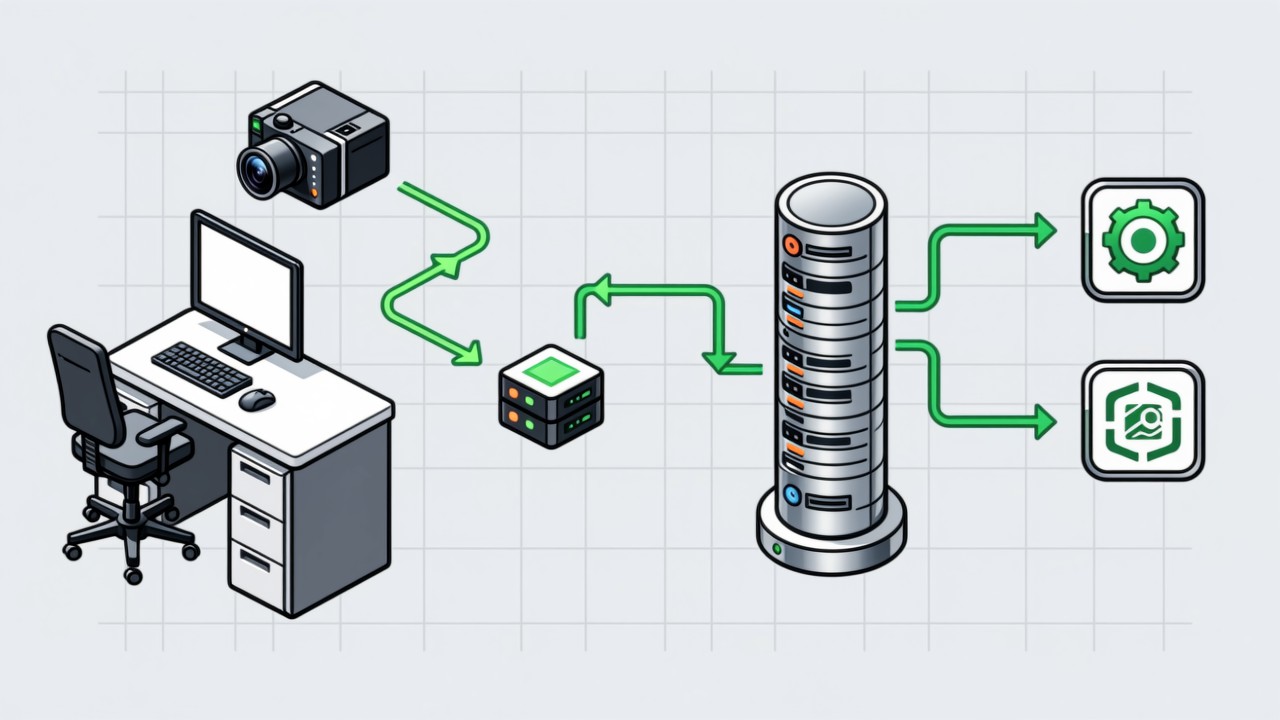
How Visual SOP Connects to MES
The hard part of integration is not the technology choice — it is defining what …
Read more → -
Manual Inspection vs Visual AI SOP Cost
The two cost structures are fundamentally different. Manual inspection is an ong…
Read more → -
Preventing Missing Operations: Five Methods Compared
There is no silver bullet for a missing operation. Paper sign-off depends on peo…
Read more →
Need specific advice for your production line?
Our engineers can share practical approaches to process error prevention and SOP compliance inspection for your scenario.
Request a free trial plan