
AI Visual Monitoring of Workstation SOP Execution
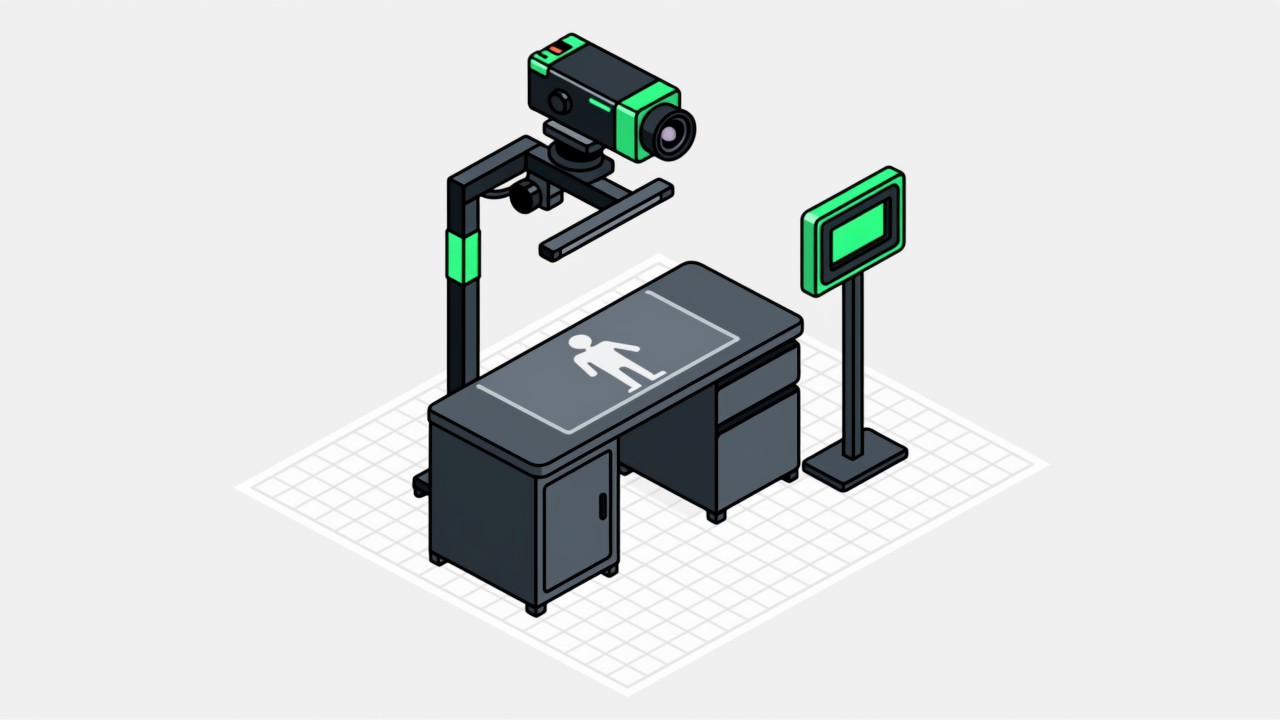
The workstation is the smallest unit of SOP execution. We turn the video from the workstation camera into a structured sequence of actions, check each one against the standard process, and judge compliance with work standards such as dress, cleanliness and ESD control. Recognition runs locally at the edge and does not consume line takt time.
Key takeaways
- Action granularity is selectable, from whether a process step was executed down to whether a specific action occurred.
- One class, many poses: posture variation for the same action is adapted workstation by workstation.
- Compliance checks cover personnel standards such as dress code, cleanliness and ESD control.
- Inference is local, so a network outage does not affect decisions and production images are not sent to the public internet.
- Action data can be published to a dashboard so team leaders see execution status across stations in real time.
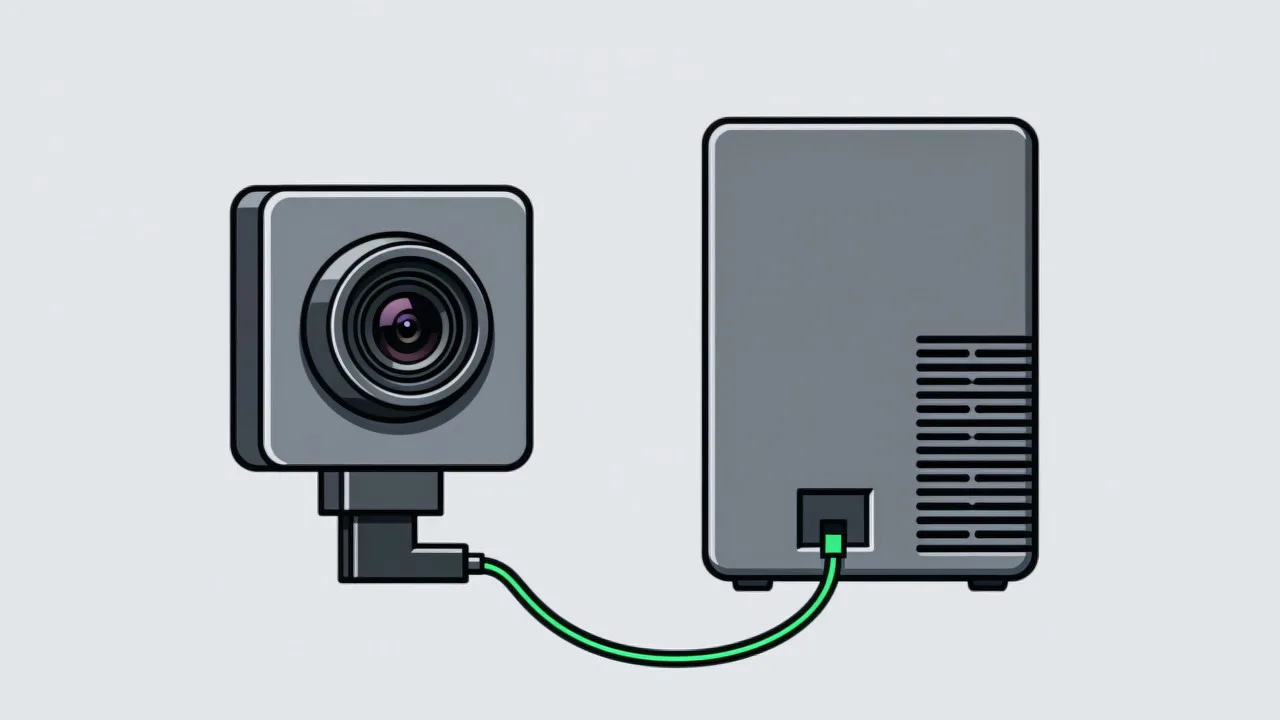
The hard part of workstation monitoring is not whether an action can be recognised, it is how to turn recognition output into a process judgement your process engineers will accept. Two operators performing the same action look very different, and the same process step looks different on different products. The system has to normalise that variation into a single conclusion: the step was completed. Those judgements are what drive error prevention at the station.
Recognition Granularity: Four Levels
| Level | What it decides | Typical use |
|---|---|---|
| Process step level | Whether a given process step was carried out | SOPs with many steps, where you only need to know that each one was done |
| Action level | Whether specific actions such as picking, assembling, fastening or inspecting occurred | Key steps where the action itself has to be confirmed |
| State level | Whether a part is present, correctly positioned and correctly oriented | Direct detection of missing or wrongly fitted parts |
| Work standard level | Whether personnel standards for dress, cleanliness and ESD control are met | Food safety, cleanroom and ESD-sensitive operations |
Engineering Practices That Reduce False Alarms
- Consecutive-frame confirmation: a single frame never triggers an alarm. Several consistent frames in a row are required, which filters momentary occlusion and misclassification.
- Per-station thresholds: confidence thresholds are calibrated for each station on its own instead of with one site-wide parameter set. Camera placement is the other half of that work - see how to choose visual SOP cameras.
- Whitelist for non-standard actions: known legitimate variations are registered and passed through, so 3C electronics fastening stations do not alarm on each individual working style.
- Time-window policy: during changeovers, line clearance and equipment commissioning, judgement can be temporarily downgraded or suspended.
- Alarm tiering: prompts and blocks are separated, and only high-risk steps stop the line.
What This Capability Will Not Do
The edges are worth stating explicitly. The system reports on actions and parts; it does not identify people by default, does not judge ergonomics or safety behaviour, and cannot see through occlusion or beyond the imaging resolution.
- A part smaller than a few pixels at the working distance cannot be judged reliably, so the field of view has to be chosen with that in mind.
- Where the operator has a legitimately non-standard working style, the whitelist is what keeps the alarm count tolerable - see operator resistance for why that matters on the floor.
- It is not a replacement for the driver torque record or the scanner part number; those confirm different facts.
- Preconditions: the action list for each station, and a short tuning period to calibrate thresholds.
Common questions about workstation monitoring
How many cameras does one workstation need?
One is enough for most stations. Where the field of view is heavily occluded, or both hands and several material positions have to be watched at the same time, two cameras covering different angles may be needed.
How long does it take to adapt action recognition?
Standard actions are usually adapted within a few days. Fine judgements that have to distinguish specification, such as screw size, take longer and are normally resolved during the pilot.
Can it identify the operator?
Technically the system can link to badge scanning or face association, but this is off by default. Whether records are tied to individuals is up to you and depends on your management requirements.
Other products & capabilities
-
MES Integration
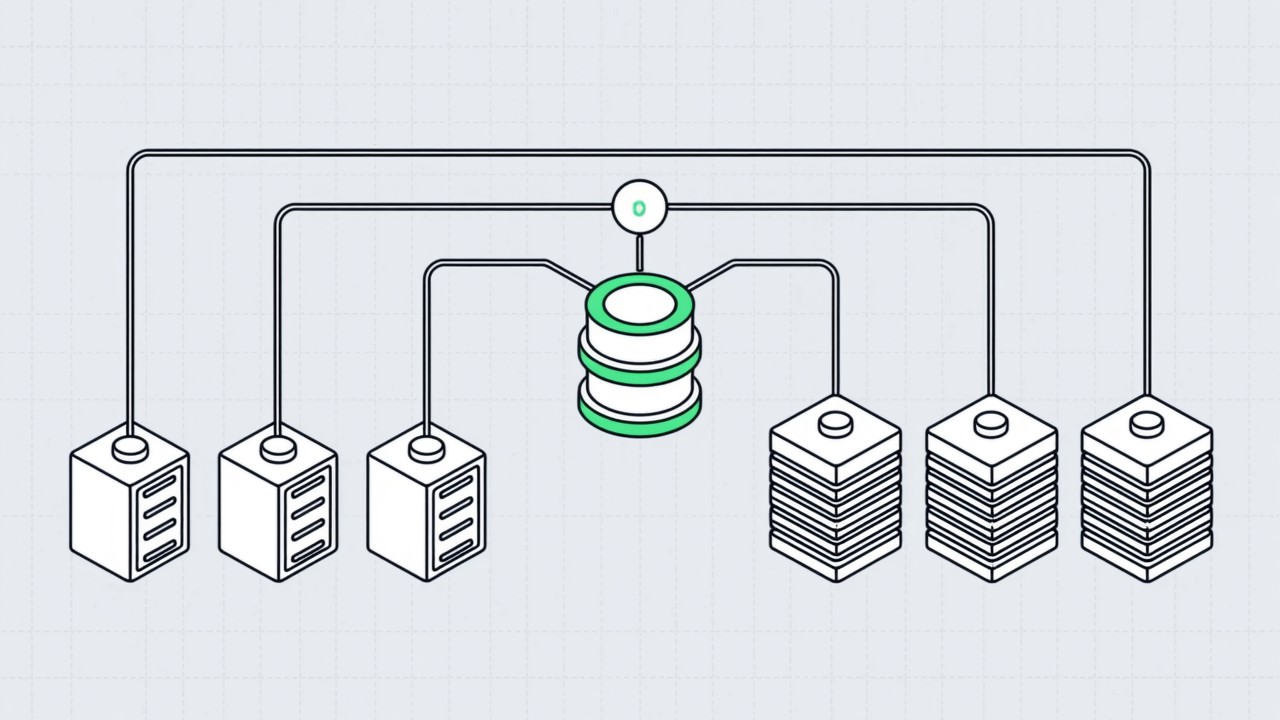
Run standalone, a visual SOP system only solves on-the-spot blocking. …
Read more → -
Error Prevention
The point of poka-yoke is to make an error impossible, or to catch it …
Read more → -
Visual AI SOP System
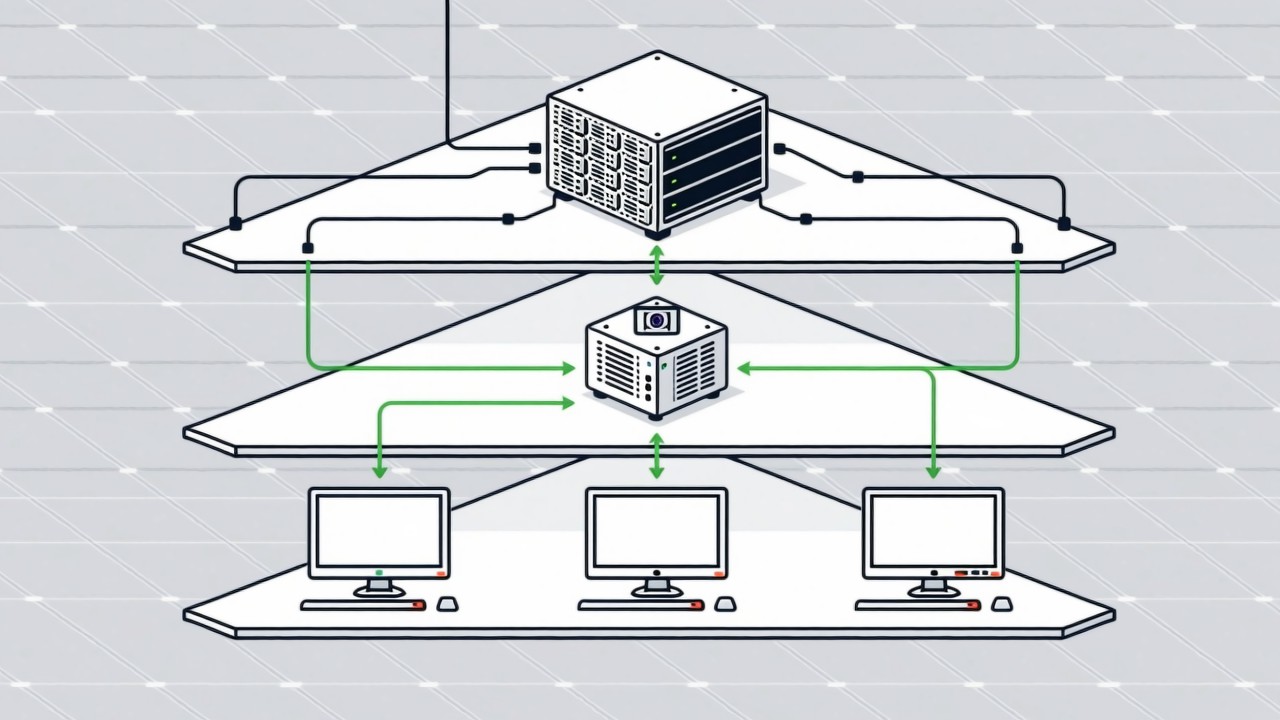
The Intsoft Visual AI SOP System is built in four layers: workstation …
Read more →
Applicable industry solutions
-
Textile
Textile and apparel work splits into very fine operations and changes …
Read more → -
Food Processing
Food process management has two hard constraints: food safety audits d…
Read more → -
Small Appliances
A significant share of small-appliance field failures are not failed c…
Read more → -
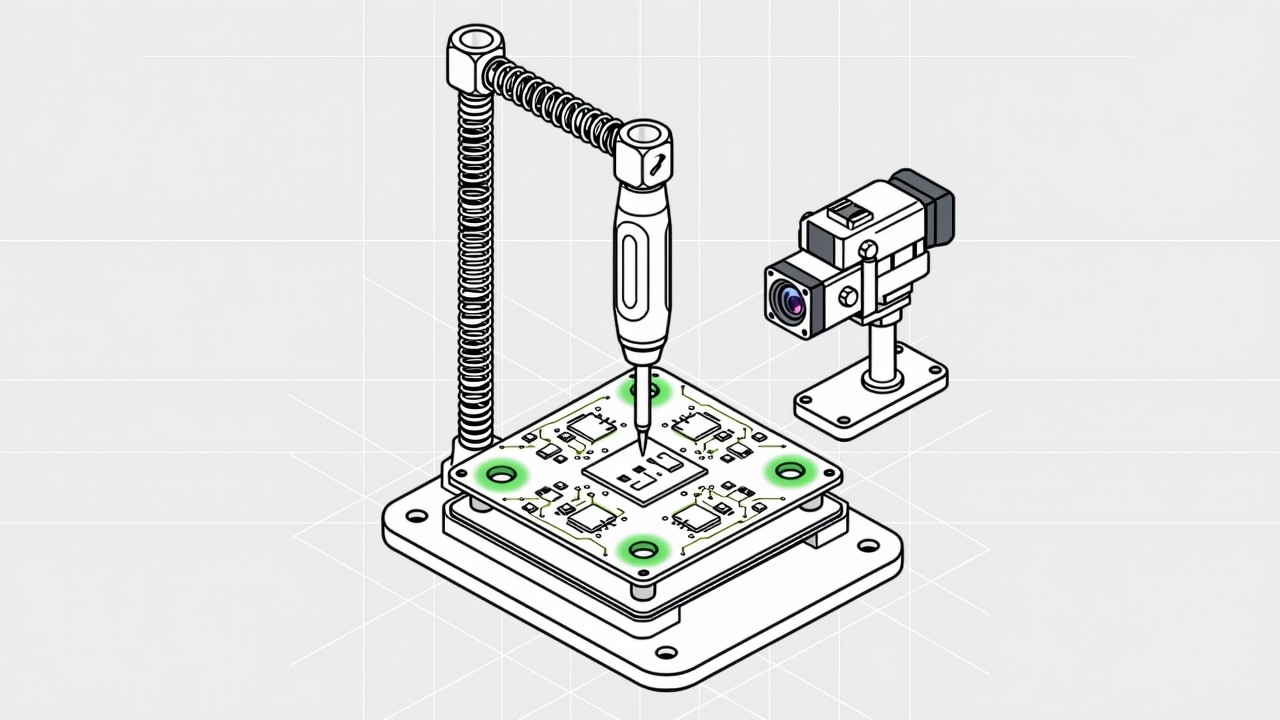
3C Electronics
3C assembly is characterised by many small parts, many screws, tight t…
Read more → -
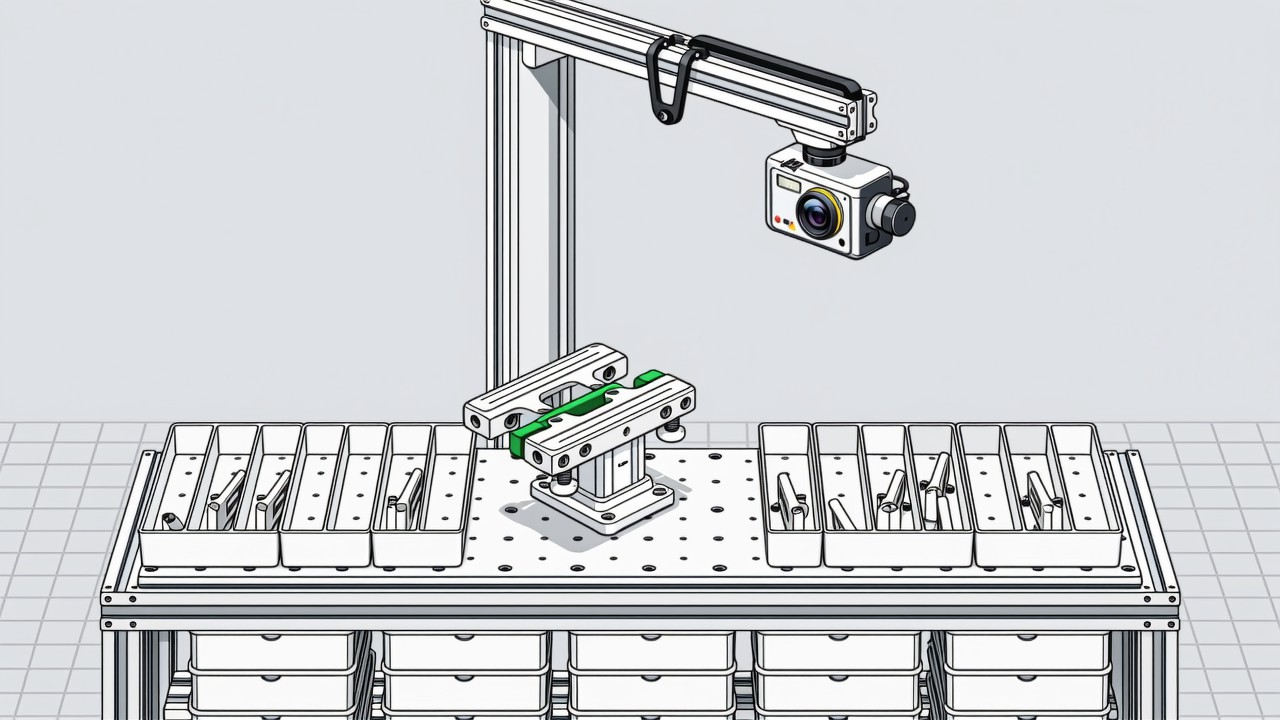
Auto Parts
The typical auto parts plant runs high variety, low volume and fast ch…
Read more → -
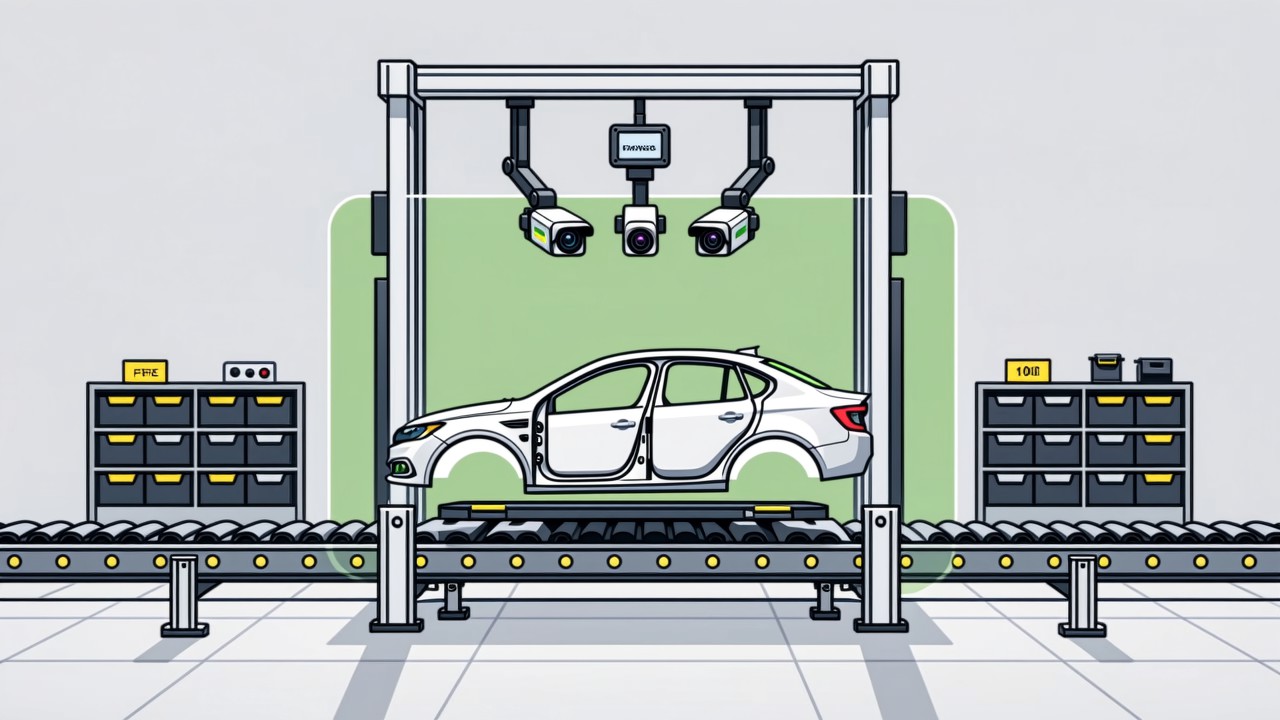
Automotive Assembly
Final assembly is where carmakers have the densest concentration of op…
Read more → -
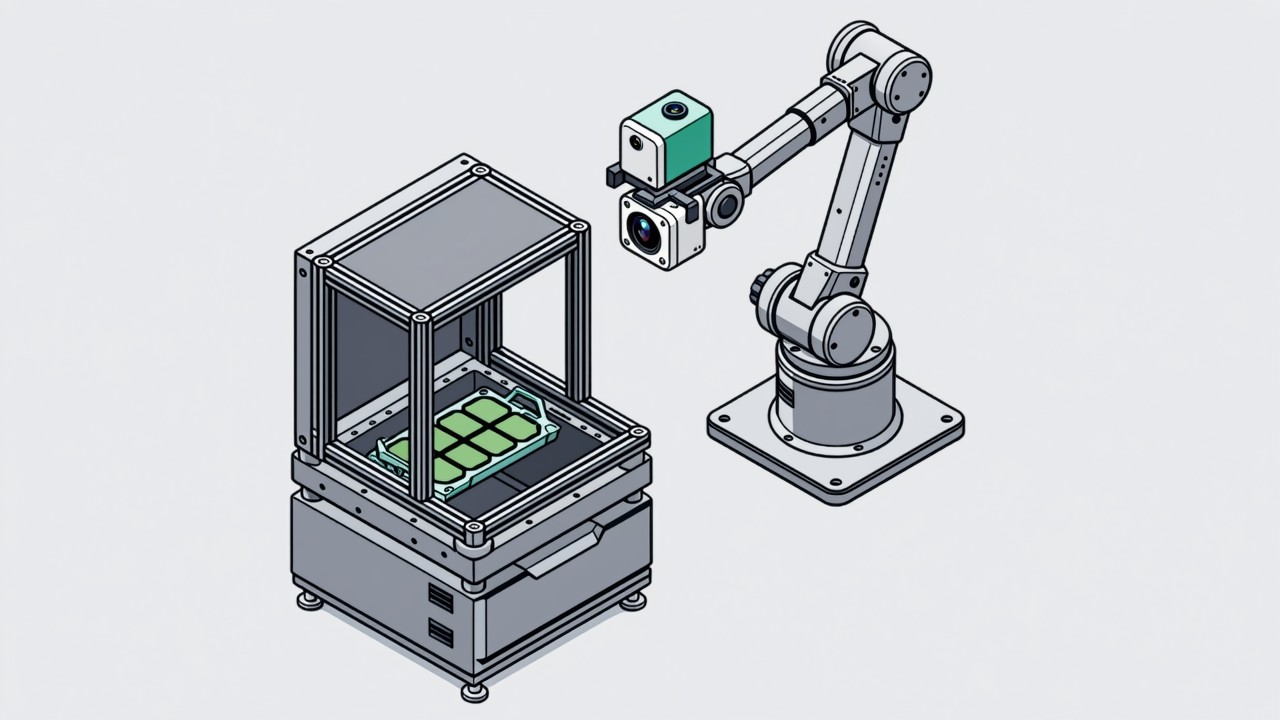
Semiconductor
Semiconductor packaging has a long process chain, fast station cycle t…
Read more →
Want to see how this capability fits your line?
We provide on-site feasibility assessment, pilot deployment and complete MES integration.
Request a free trial plan