
Preventing Skipped Steps: Every Operation Done, Just Not in Order
A skipped step and a missing operation are different problems. In a skipped step every operation was performed, but the sequence does not match the standard, and it often only shows up at functional test or in the field. That makes it more insidious — and much harder to catch by sampling.
Key takeaways
- A skipped step is a sequencing fault, not a missing operation, and the two need different detection logic.
- The usual motives are output pressure, working from memory, and unconventional station arrangements.
- Sampling after the fact rarely finds a skipped step, because the result can look perfectly normal.
- Vision sequence verification time-orders the recognised actions and compares them with the standard operation sequence.
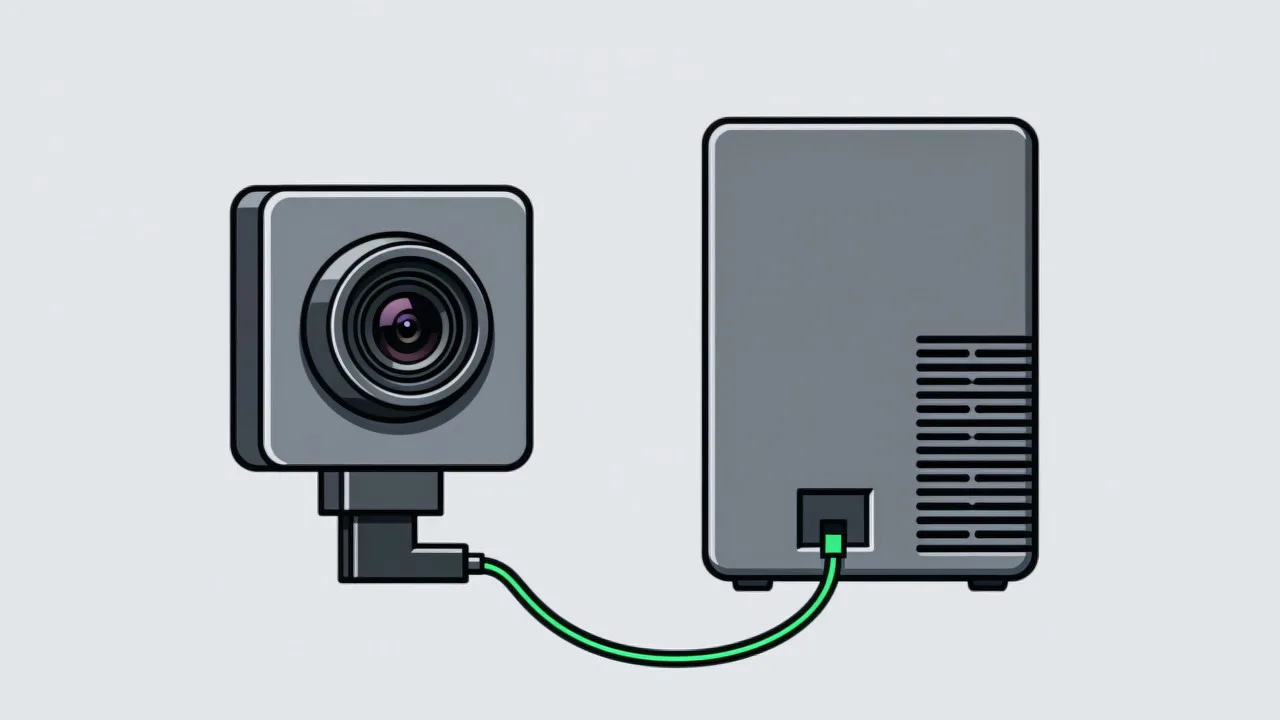
A missing operation is a step that was never done. A skipped step is work that was all done, just not in the right order. The trouble with the second is that the product looks complete in terms of operation count, and result inspection may not catch it either, yet assembly quality can already be affected. Typical examples: tightening before locating, applying adhesive before cleaning, fitting the cover before plugging in the connector. If the problem is a step that never happened at all, that is a different failure mode — see preventing missing operations.
Why steps get skipped
- Output pressure. When cycle time is tight, operators pull fast steps forward and push slow ones back, trading parallelism for speed.
- Working from memory. Experienced operators know the job so well they stop reading the instruction, and habits built over years can drift slightly from the standard sequence.
- Unconventional station arrangements. During changeovers, cover shifts or support duties, operators rearrange the actions into whatever order feels natural to them.
- Poor material placement. If a parts bin is not on the natural line of movement, operators route around it — and the sequence changes with the route.
Four ways to prevent it
| Method | How it works | Strength | Limitation |
|---|---|---|---|
| Forced flow between operations | The next part cannot be released until the previous operation is complete | Physical constraint, highly reliable | Requires jigs or rack modification |
| System-enforced check | The next action unlocks only after a scan | Easy to tie into MES | Depends on the operator scanning as instructed |
| Sequence training | Reinforces memory and working habits | Zero cost, immediate | Effect decays over time and must be redone after staff changes |
| Vision sequence verification | Recognises action timing and compares with the standard sequence | No extra operator actions, traceable | Imaging conditions must be validated on site |
Vision sequence verification works like this: the actions recognised at the station are put in time order and compared with the standard operation sequence for that product. The system checks two things — whether any step was skipped, and whether adjacent steps were reversed. If the sequence is abnormal, it is flagged at the station and recorded. The technical detail behind action recognition and sequence checking is covered in machine vision SOP action recognition.
Configuring the sequence so it does not cry wolf
The value of sequence verification lives or dies in how the operation sequence is described. A naive configuration that allows only one exact order will flag every legitimate variation, and the floor will stop believing it within a week. A workable configuration states, step by step, what is truly fixed: which operation must finish before the next may begin, which two may run in either order, and which may overlap. Steps that are genuinely interchangeable are marked as a group rather than a chain, and the system only reports a violation when a fixed precedence is broken.
Common questions about skipped steps
Can skipped steps and missing operations share one configuration?
Yes. Both are judged against the same standard operation sequence; one checks whether a step exists, the other whether the order is correct. At configuration level they are unified.
How do you verify sequence for operations split across stations?
The recognition results from each station have to be gathered onto a single timeline by product serial number for a global sequence comparison. That requires the station data to resolve to the same product.
If operators know the system checks order, will they deliberately slow down?
It can happen early on and usually disappears once people adjust. Start in monitor mode — record only, no alarm — to let operators get familiar, then switch to real-time prompting.
Does your line have a sequence problem?
Describe the operation sequence and cycle time and we can judge whether sequence verification is feasible.
Related articles
-
How Visual SOP Connects to MES
The hard part of integration is not the technology choice — it is defining what …
Read more → -
Manual Inspection vs Visual AI SOP Cost
The two cost structures are fundamentally different. Manual inspection is an ong…
Read more → -
Preventing Missing Operations: Five Methods Compared
There is no silver bullet for a missing operation. Paper sign-off depends on peo…
Read more → -
Why SOP Is Not Followed on the Line
SOPs rarely fail because operators ignore them. Five structural reasons explain …
Read more →
Need specific advice for your production line?
Our engineers can share practical approaches to process error prevention and SOP compliance inspection for your scenario.
Request a free trial plan