
Can Shop Floor Video Go to the Cloud? Start With What You Are Uploading
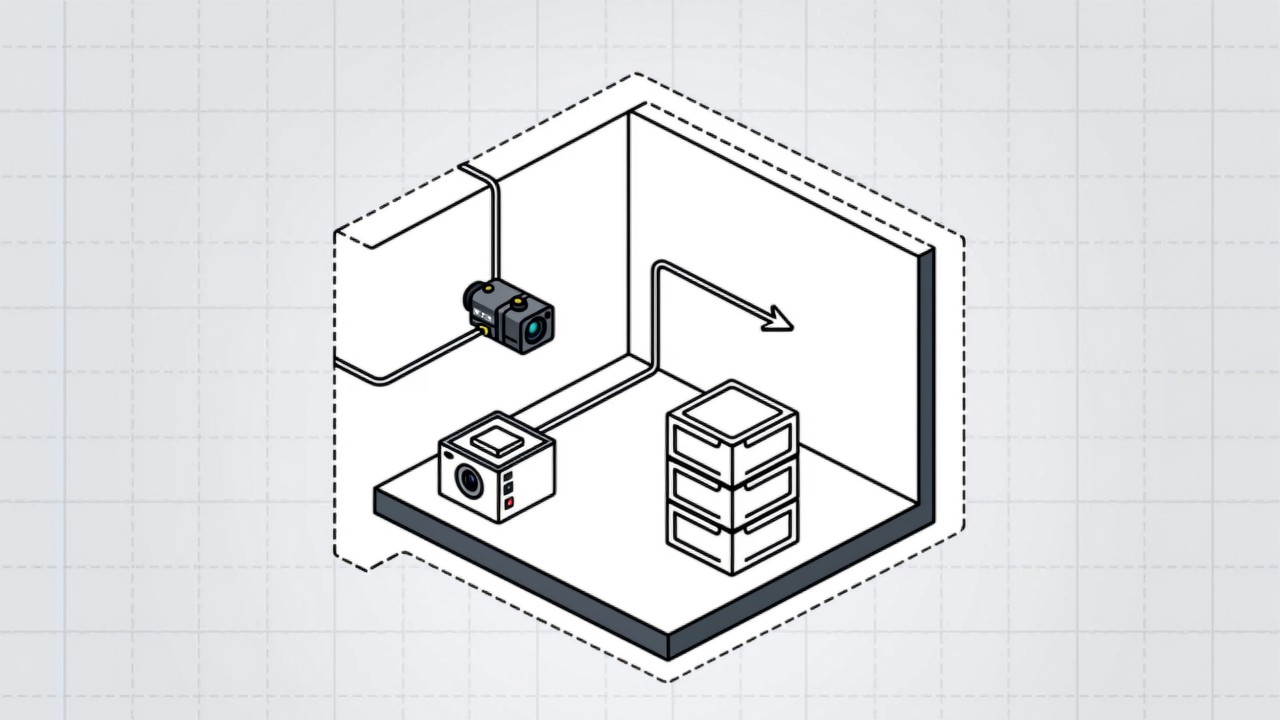
Technically there is nothing stopping it, but whether it is wise depends on which kind of data you upload. Equipment status and process parameters usually carry no extra constraint. Footage showing faces or badge names is, in most cases, personal information. Records that tie footage to individual behaviour or performance need more care. That is why most plants keep the default at "local first, cloud second", uploading only structured results and the samples that are genuinely needed.
Key takeaways
- Classify before deciding: equipment data, footage containing people, and person-linked records each carry different handling requirements.
- Sending results rather than raw video avoids most of the compliance and bandwidth problem at the same time.
- Retention periods and access rights need an explicit agreement, not a default of "kept forever".
- Classified processes, customers who require data to stay on site, and unstable networks are usually reasons not to upload video.
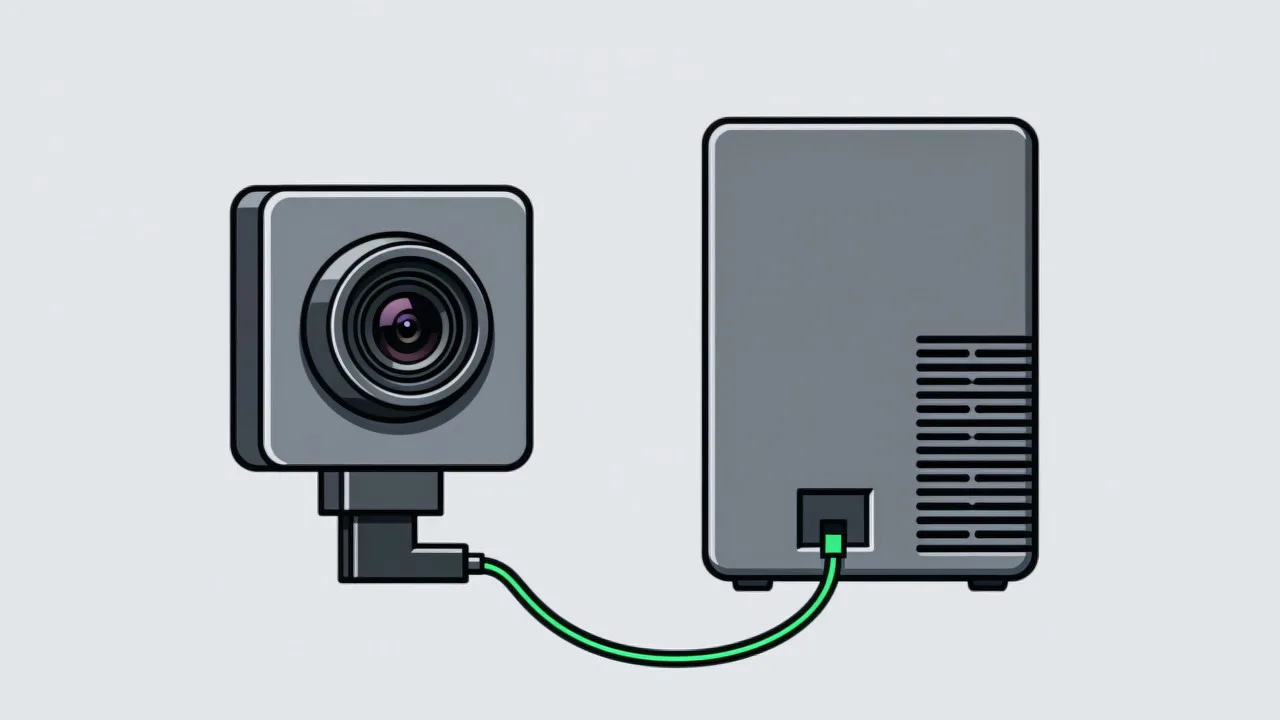
Uploading shop floor video to the cloud faces no technical obstacle; the real question is what data you are uploading. As a rule, equipment status, process parameters and cycle times carry almost no extra constraint. Footage that shows a face, a badge or an otherwise identifiable person is, in most cases, treated as personal information. Records that tie footage directly to an individual’s behaviour or performance need more care again. That is why most plants settle on "local first, cloud second" — inference and raw video stay on site, and only structured results and necessary samples are uploaded. What follows describes common engineering practice rather than legal advice; confirm the specifics with your legal team.
Step one: classify what you would upload
- Equipment and process data. Machine state, cycle time, operation results, alarm records. These point at equipment and product, usually carry no personal information, and are the least constrained.
- Footage containing people. Raw video, stills, and any frame that catches a face or a badge. Where it can be linked to a specific person, it is in most cases personal information.
- Person-linked records. Data that writes "who did which action at what time" into performance, attendance or disciplinary processes. Its purpose and retention scope need an explicit agreement.
Industrial data rules and personal information rules are two separate lines
These two are often bundled together, but they answer to different rules. Industrial data sits closer to the data-classification duties that apply to how a company identifies and protects important data and anything an industry regulator has flagged. Personal information turns on identifiability: if a clip lets a viewer connect a figure on screen to a specific person, it usually falls into that category. The practical consequence on the floor is that even when you only care whether a step was performed correctly, footage containing an identifiable face or badge name cannot simply be treated as ordinary production data. Blurring or masking a region is a common mitigation, but how much masking counts as effective is a judgement to make with your legal team.
When the cloud fits, and when it does not
| Situation | Cloud suitable? | Why |
|---|---|---|
| Multi-plant roll-up and dashboards | Yes | Mostly structured results; low bandwidth demand |
| Sample return for model training | Usually, after masking | Samples may contain people; process before upload |
| Remote R&D viewing a line | Careful | Live video involves people and process; authorise on demand |
| Classified process or customer-mandated localisation | Usually not | Compliance and contract constraints outrank convenience |
| Unstable network | No | A dropped link interrupts both detection and upload |
Some customers in automotive and electronics write into their supply contracts that production data may not leave the plant or the country. That constraint usually bites harder than regulation. Scenes such as automotive final assembly tend to come with explicit expectations about who owns the process data. Confirm the position with the customer’s quality and legal contacts before designing the architecture.
If you do upload, how to lower the risk
Five steps that lower the risk
- Step 1: send results, not raw video
Keep inference local and upload only the result plus small stills where genuinely needed. Bandwidth and compliance pressure both fall sharply. This is the pattern described in edge vs server compute.
- Step 2: mask locally first
Blur or crop faces and badges before upload where possible, so raw frames never leave the plant.
- Step 3: agree a retention period
Video and stills should not default to forever. Set a period against the traceability need — thirty or ninety days, say — and delete on expiry. Retention requirements are discussed in designing traceability.
- Step 4: control access
Decide which roles can see which data, and keep an access log.
- Step 5: encrypt in transit and at rest
Use TLS on the link, encrypt storage, and manage keys and accounts separately.
There is no single right retention period. It usually falls out of three factors: the traceability years a customer or industry requires, the actual value of old data for improvement, and storage cost. A common compromise is keep all structured results for a long time (they are small), keep video and stills for a short time (they are large), and extend retention only for clips flagged as exceptions. That supports retrospective analysis without letting storage grow without bound.
Common questions about shop floor video and the cloud
If we only upload results, do we still need a compliance review?
It is usually far simpler than uploading video. Result data is mostly equipment and process information with a low chance of personal information. If the results can be tied directly to an individual’s performance, confirm the handling with your legal team anyway.
If we keep video on site, is there no compliance issue?
No. Personal information duties do not disappear because of where data is stored; on-site storage still needs a stated purpose, scope and retention period. Location changes the cross-border question, not the personal information question.
A customer demands all data stays on site — can the project still work?
Yes. Running inference and storage locally and syncing only system status and work order information externally is common practice. It reduces the convenience of remote support, which should be factored in at design stage.
Want shop floor data in the cloud but unsure about compliance?
Tell us the data types and customer requirements and we will suggest how to split local and cloud.
Related articles
-

Alarm Fatigue: Why the Floor Turns the System Off
Many visual SOP systems are not beaten by technical problems — they are muted by…
Read more → -
Visual SOP Camera Selection and Mounting
Camera selection for visual SOP is not the same as for product inspection. The s…
Read more → -
Vision Monitoring at the Semiconductor Die Bonder
Semiconductor packaging stations are characterised by high precision, fast cycle…
Read more → -
Wrong-Assembly Alarms Without the False Alarms
The most common reason a visual SOP project fails is not poor recognition — it i…
Read more →
Need specific advice for your production line?
Our engineers can share practical approaches to process error prevention and SOP compliance inspection for your scenario.
Request a free trial plan