
Connecting Visual SOP to MES: Choosing a Method and Designing the Fields
The hard part of integration is not the technology choice — it is defining what you actually need to trace. Once the fields are settled, choosing between a direct database write, an HTTP API and a message queue becomes straightforward.
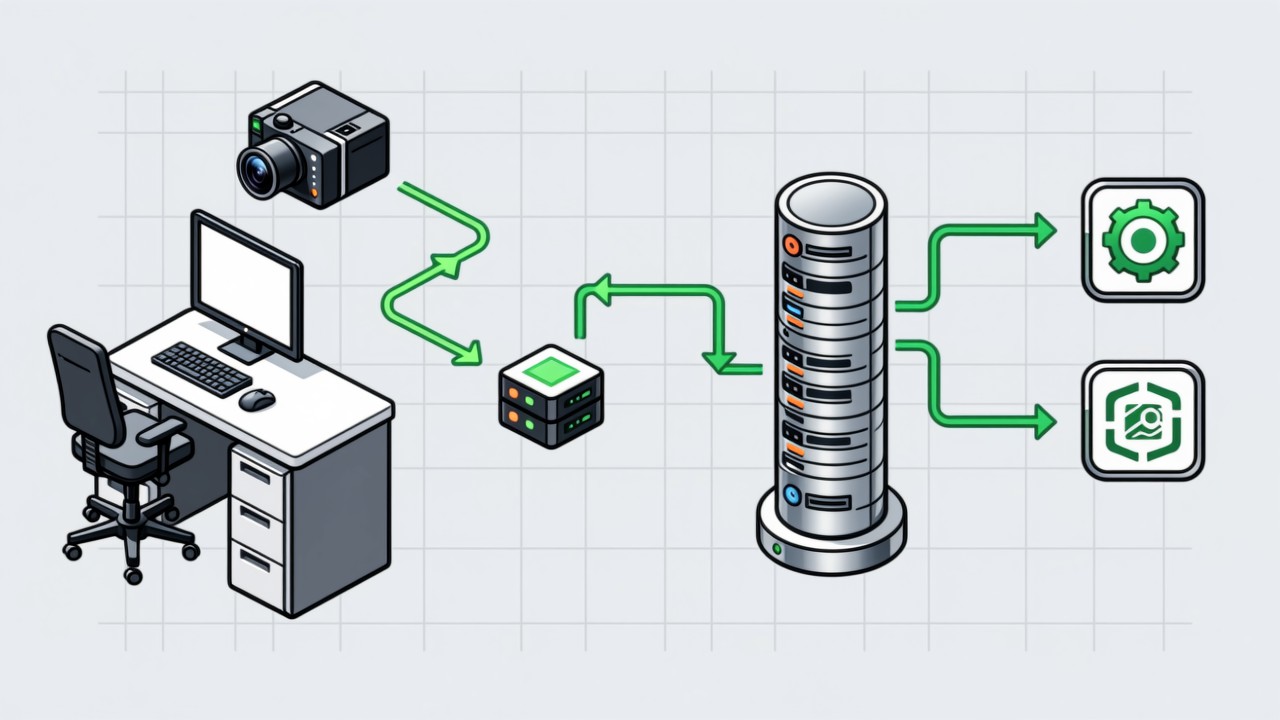
Key takeaways
- Define the fields first, choose the channel second. Without agreed fields, every integration method gets reworked.
- None of the three methods is inherently better; it comes down to how open the existing system is and how much IT resource will be committed.
- The minimum usable field set is: station, operation, timestamp, result, product serial number.
- Do not change the schema of the existing system. That single rule is usually what keeps the project moving.
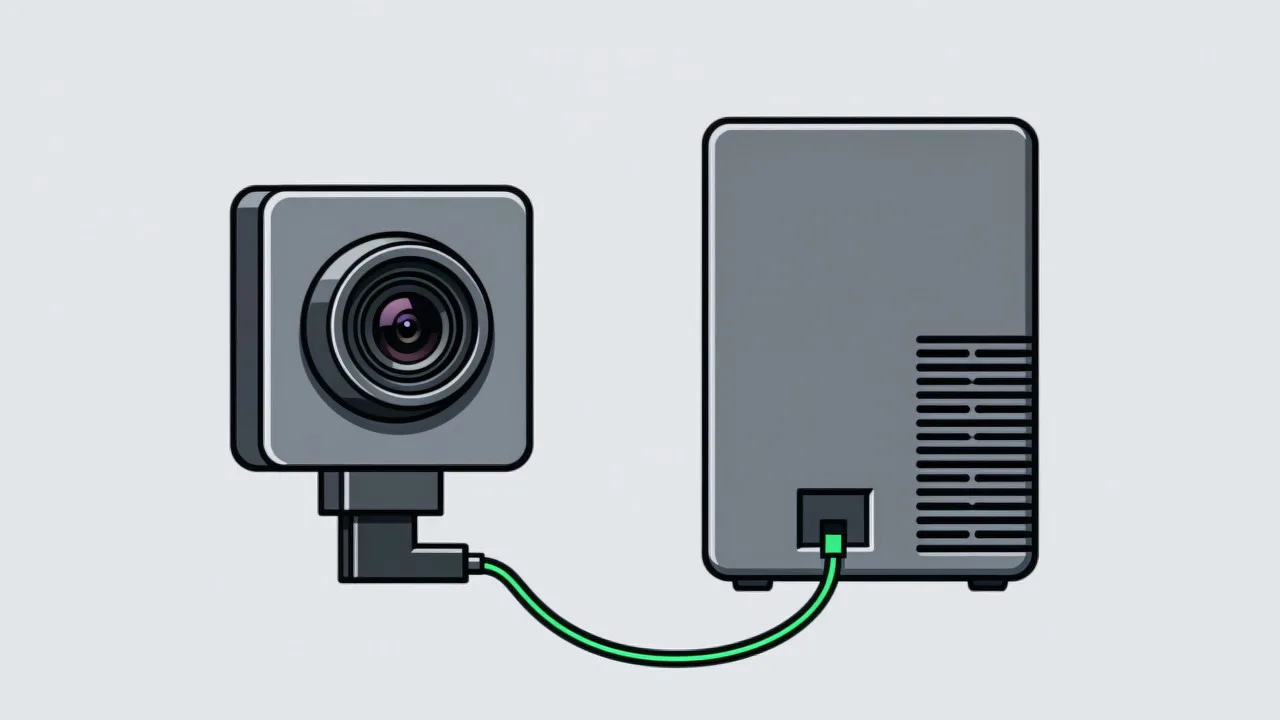
A visual SOP system delivers value on its own — the station alarms and the problem is corrected on the spot. But the process history is only complete once the data is written into MES, where a defect can be traced back to the specific step that caused it. The capability and implementation detail sits on the visual SOP to MES traceability page. And the projects that fail at integration are almost never blocked by the channel technology. They are blocked by fields that were never defined.
Define the fields first: the minimum set
| Field | What it holds | Why it is required |
|---|---|---|
| Product serial number | Ties the record to one unit | Without it, a record cannot be traced to an individual product |
| Station ID | The physical location where the work happened | Pins down where the problem occurred |
| Operation ID | Maps to an entry in the SOP | Distinguishes which step was missed or done wrong |
| Timestamp | When the action happened, to the second | Establishing sequence, analysing cycle time, checking changeovers |
| Result | Pass / fail / skipped | The base data for quality analysis |
| Confidence | The score the model produced | Supports later threshold tuning and review |
Three ways to connect
| Method | When it fits | Advantage | Watch out for |
|---|---|---|---|
| Direct database write | MES database is reachable and IT has DBA support | Low latency, simple to build | Agree the target table and permissions up front; avoid impacting main table performance |
| HTTP API | MES already exposes an interface | Clean separation, easy to audit | Plan for local buffering and retry when the API is unavailable |
| Message queue | MQ infrastructure already exists | Absorbs peaks, reliable, supports multiple consumers | Requires MES-side consumption; longer to implement |
What to do with exception records
Normal records are for traceability, exception records are for improvement. Flag exception data separately and keep the action sequence for a window either side of the event, so the quality team can reconstruct what was happening. Where an incident could reflect on an individual’s work, agree the retention scope and access rights with HR during the design phase. The wider picture is in turning visual SOP data into quality records.
What to agree before the first record is written
- Who owns the interface. One named person on the MES side and one on the vision side. Integration projects stall at the handover, not at the protocol.
- The target location. A dedicated table or an existing open interface, agreed in writing, with the account and permissions settled before development starts.
- The failure behaviour. What the system does when MES is unreachable — buffer locally, retry, and log the gap — has to be decided up front rather than discovered during a network outage.
- The back-fill window. How long a station may hold data offline, and how late arrivals are reconciled against the work order.
Most of the friction in these projects comes from the vendor boundary rather than the technology, which is why it is worth reading working with an MES vendor before the kick-off meeting. On the vision side, the question of what the station itself records is answered under workstation SOP monitoring.
Common questions about MES integration
How much IT effort is involved?
With a direct database write it is usually a case of creating an account and agreeing a target table; with an API it needs interface documentation and joint debugging support from the MES side. The actual effort depends on how open the existing system is.
Will data be lost if MES goes down?
No. Results are stored locally first and uploaded automatically once the network or MES recovers, with the back-fill status logged for checking.
Can it pull work order information back from MES?
Yes. Reading the current work order and product model lets the system switch to the matching SOP operation set automatically, which is common practice on lines with frequent changeovers.
Pushing an MES integration project?
Tell us how open your existing system is and what you need to trace, and we can advise on the approach.
Related articles
-
Manual Inspection vs Visual AI SOP Cost
The two cost structures are fundamentally different. Manual inspection is an ong…
Read more → -
Preventing Missing Operations: Five Methods Compared
There is no silver bullet for a missing operation. Paper sign-off depends on peo…
Read more → -
Why SOP Is Not Followed on the Line
SOPs rarely fail because operators ignore them. Five structural reasons explain …
Read more → -
Alarm Fatigue: Why the Floor Turns the System Off
Many visual SOP systems are not beaten by technical problems — they are muted by…
Read more →
Need specific advice for your production line?
Our engineers can share practical approaches to process error prevention and SOP compliance inspection for your scenario.
Request a free trial plan