
Integrating with Different MES Vendors: What to Watch For
Vendors differ far less in whether the link can be made to work than in three practical places: whether work-order and operation codes are stable enough to key on, whether field meaning and format line up, and who supplies the test environment and makes the change at go-live. Align those three before the build and most integrations go smoothly.
Key takeaways
- The number one cause of rework is not having the real data dictionary — guessing fields from an interface spec fails every time.
- An "operation" may be numbered differently and mean different things across systems; never assume it is a stable primary key.
- Discrete manufacturing traces by serial number, process manufacturing by batch — field design follows the product, not the software.
- Settle the go-live split (who provides the test environment, who can change the interface, when the window opens) before the build starts.
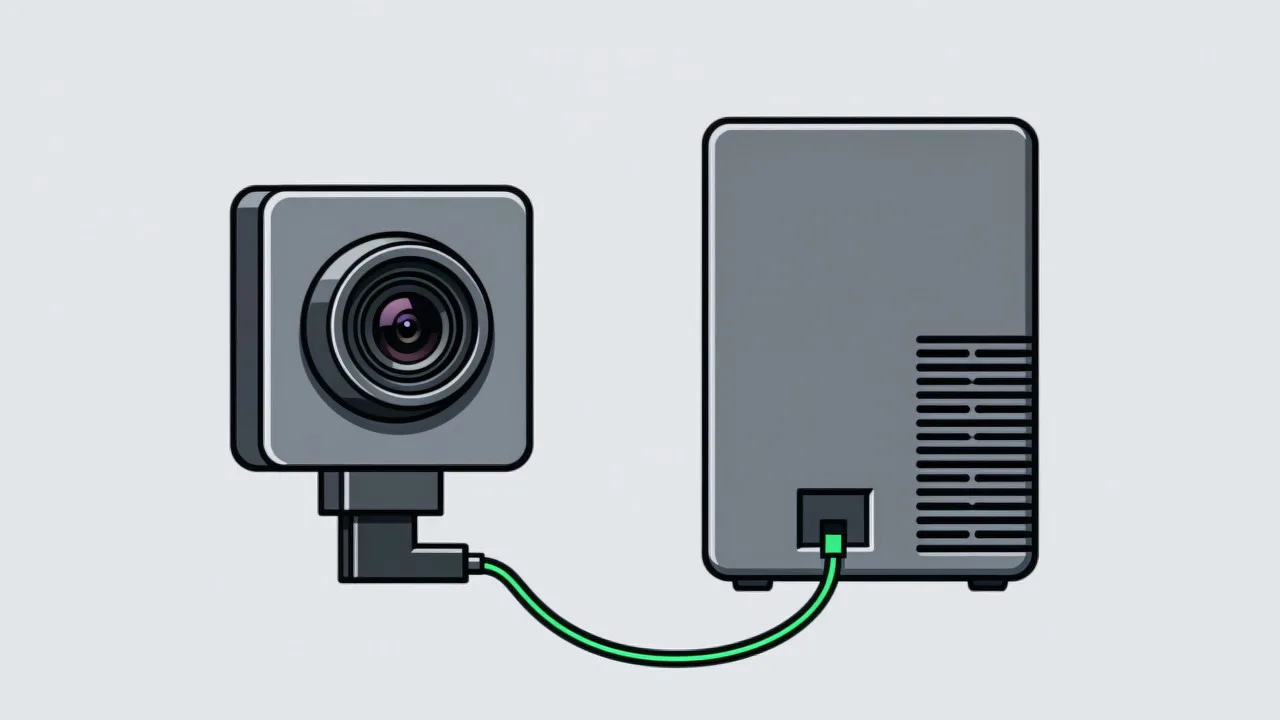
The data a visual SOP system needs to write is simple: which station, which operation, what time, what result, and which product. But the same set of data meets very different friction when it is written into SAP, Siemens, UFIDA or Kingdee. The difficulty rarely sits at the "can the link be made to work" layer. It sits in three places: how work orders and operations are coded, how fields mean and format what they hold, and how go-live is coordinated. The transport question — direct database write, HTTP API, or message queue — is covered in how visual SOP connects to MES. What follows is the vendor-specific reality once a transport has been chosen.
Difference one: how work orders and operations are coded
The most common trap is treating the MES "operation number" as a stable, universal primary key. In most systems a work order expands into several operations, each carrying a number or line number, but vendors name and nest that model differently. The safe pattern is a composite key of work order + operation + product serial number, never the operation number on its own.
- In SAP, the PP module ties a production order to operations, whose numbers are typically sequence numbers bound to the material and routing.
- Siemens MES products (which vary a great deal between versions) lean on resource and routing models to describe stations and operations, so the numbering follows however the site was modelled.
- UFIDA structures work orders and operation line items more like a document with lines, where an operation is often not a standalone key.
- Kingdee builds on production task orders, where operation numbers are generally combined with the order and product code.
Difference two: field meaning and format
| Data item | Common divergence | Recommended handling |
|---|---|---|
| Timestamp | Local time mixed with UTC; precision from seconds to milliseconds | Agree a timezone and precision; normalise before writing |
| Work order | Inconsistent length and format; some systems carry a check digit | Always treat as a string; never do arithmetic on it |
| Result | Some accept only OK/NG, some 0/1, some require a reason code | Normalise inside the host layer before writing |
| Product ID | Discrete work traces serials; process work traces batches | Pick traceability granularity to match the product |
Normalising the result field is the easiest step to overlook. The vision side may produce several states — pass, exception, skipped — while the MES target field accepts only OK/NG. Without a mapping layer in between, exception and skipped collapse into one value and no one can later tell "done wrongly" from "never done". Batch versus serial is the other structural choice: unit-traceable products (auto parts, 3C devices) are recorded by serial, which is the pattern behind automotive parts assembly and 3C electronics; process-manufactured goods (food, chemicals, textiles) can only be traced to a batch. The recording granularity on the vision side has to match what the back end can actually hold — see how to design visual SOP traceability.
Difference three: the go-live and integration split
- Test environment. Most plants run a single production MES, so integration tests need a booked window or a sandbox with no live data. Confirm which, early in scheduling.
- Change authority. Writing into MES usually needs a vendor consultant or the customer IT team, so who performs the change and how fast they respond must be agreed up front.
- Change window. Production systems are often only touched during shutdown windows, so integration testing is paced by the production calendar.
- Three-party communication. Equipment vendor, MES consultant and customer IT frequently understand the same task differently — issue a written confirmation after every integration session.
Reducing the back-and-forth
Four steps that cut rework
- Step 1: get a real sample export
Do not work from the interface document alone. Ask for an export of a genuine production work order so you can see the actual values and formats. A mature MES integration capability turns those differences into a configurable mapping table.
- Step 2: write one real record end to end
Take a live work order number, write one vision result against it, then look it up in the MES interface to confirm it attached to the right product.
- Step 3: agree failure behaviour
When MES is unavailable, a field fails validation, or the network drops, decide whether data is buffered and re-sent or dropped with an alert. Write it down in advance.
- Step 4: run one line as a soak test
Run a single line and a single order type for a period, confirming the mapping still holds through changeovers, rework and manual back-entry, before rolling out.
Common questions about MES vendors
Is a small vendor or in-house MES harder to integrate than SAP?
Not necessarily. An in-house system often has no standard interface, but changes are fast and the decision chain is short. SAP has more standard interfaces, but changes depend on consultant scheduling, so the pace is set externally. Difficulty tracks openness and response speed, not brand.
Does the work order number change inside the vision system?
Generally no. The work order anchors production execution; the vision system reads the current order from MES or the host and switches the matching operation configuration accordingly. What matters is agreeing who notifies whom at a changeover.
Can we skip MES and store everything in the vision system?
You can, but the traceability chain breaks — quality staff end up hunting for one product record in two systems. Most projects still write to MES, or at least to an intermediate table both sides can read.
Integrating with a specific MES vendor?
Tell us the system and version you run and we will suggest how to align fields and split the go-live work.
Related articles
-
Alarm Fatigue: Why the Floor Turns the System Off
Many visual SOP systems are not beaten by technical problems — they are muted by…
Read more → -
Visual SOP Camera Selection and Mounting
Camera selection for visual SOP is not the same as for product inspection. The s…
Read more → -
Vision Monitoring at the Semiconductor Die Bonder
Semiconductor packaging stations are characterised by high precision, fast cycle…
Read more → -
Wrong-Assembly Alarms Without the False Alarms
The most common reason a visual SOP project fails is not poor recognition — it i…
Read more →
Need specific advice for your production line?
Our engineers can share practical approaches to process error prevention and SOP compliance inspection for your scenario.
Request a free trial plan