
Allocating the Inspection Time Budget at One Station
A great many designs look excellent on the bench and fail on the line, because the bench has no takt constraint. A real station typically leaves a few hundred milliseconds for vision, and exposure, image transfer, processing, verdict and communication each take a slice. Costing the budget stage by stage shows in advance which step will stall and whether additional cameras are genuinely needed. This article provides a budget table you can reuse and sets out what to cut first — and last — when the budget does not fit.
Key takeaways
- Cost the budget per stage; algorithm time is usually overestimated while transfer and waiting are underestimated.
- A shorter exposure is not free: it trades against depth of field and contrast, which drives false alarms up.
- When the budget is short, cut check items first, then partition the region, and add cameras last.
- With multiple image paths, the slowest path sets the total, not the average.
Many vision designs look excellent on the bench and fail on the line, because the bench has no takt constraint — you can shoot and process for as long as you like. A real station typically leaves a few hundred milliseconds for vision, and that is after loading, the manual work and unloading have taken their share. Within that window, exposure, image transfer, processing, verdict and communication each need their slice. Costing each stage — roughly is enough, only the order of magnitude matters — quickly shows where the design will stall and whether additional cameras are genuinely needed. The real value is that it surfaces the problem at design time rather than at the machine.
A budget table you can reuse
| Stage | Typical duration | Main drivers |
|---|---|---|
| Wait for trigger and seating | Tens to hundreds of ms | Trigger type, sensor response, seating stability |
| Exposure | 0.1-10 ms | Light output, target motion, motion blur |
| Image transfer | A few to tens of ms | Interface bandwidth, resolution, concurrent paths |
| Processing | A few to hundreds of ms | Number of check items, image size, deep learning or not |
| Verdict logic | Under 1 ms | Usually negligible |
| Communication and output | A few to tens of ms | PLC or andon response, network round trip |
The two ends of that table are where the estimates usually go wrong. Processing time is generally overestimated — a well-designed conventional inspection at normal resolution often runs in single-digit milliseconds — while image transfer and waiting for seating, the parts that do not look like they cost time, eat the largest share, especially when several cameras upload concurrently. The other underestimated item is exposure and its effect on image quality. Compressing exposure eliminates motion blur but reduces the light reaching the sensor, so either light output must rise or the aperture must open at the cost of depth of field, and the result usually shows up as lower contrast, less stable verdicts and more false alarms. In other words, the time saved on exposure can easily be paid back in false alarm cost. The relationship between exposure and imaging conditions is covered in lighting design for visual SOP.
What to cut first when the budget is short
- Merge check items first: if several items can be judged from the same frame, do not capture twice. This is the cheapest saving available.
- Then partition: process only the regions that carry value at high resolution; the whole frame does not need full resolution.
- Simplify triggering: a hardware trigger in place of software polling removes the wait and the polling overhead.
- Pipeline it: the algorithm only has to finish before the next workpiece arrives, not at the instant of capture — confirm the line logic really allows this.
- Add cameras last: more cameras work, but they bring mounting, calibration, synchronisation and cost with them. Treat them as a last resort, not a first move.
With several image paths, the slowest one decides
When you need multiple images — two angles at once, for example — the total is not the average, it is the slowest path plus the synchronisation overhead. Estimate for the worst case: the path with the weakest light, the largest image, the most congested network segment. Synchronisation itself is the other easily missed item. If two images are not captured at the same instant, every judgement involving the relative position of two objects carries an error. That error is invisible in a static scene and amplifies when the workpiece moves. Hardware-synchronised triggering is therefore almost always necessary for multi-path capture, and it requires cameras that accept an external sync signal — a selection decision, not something to add on site later. Interface and trigger capability comparisons are covered in choosing a camera.
How much margin to keep
Do not fill the theoretical takt exactly. Keep at least thirty percent margin, for three reasons. Takt itself fluctuates and often speeds up after a changeover. Systems degrade over time, as dust and lamp ageing force longer exposure. And more check items will almost certainly be added later. Keeping the margin costs very little — often just a higher-bandwidth interface — while running out of it can force the whole design to be redone after go-live. As the implementation timeline shows, an inadequate time budget is one of the most common causes of a slipping project.
Time budget questions we get asked
Takt is two seconds and inspection takes a few hundred milliseconds. Do we still need a budget?
Yes. Takt is the pace of the whole line; inspection is one step within it and must fit the window allocated to it. If that window is a few hundred milliseconds, inspection can overrun even when overall takt looks generous.
Does deep learning use too much time?
It depends on model size and hardware. A routine detection model on suitable edge compute often completes in tens of milliseconds. The real risk is choosing an oversized model or sharing compute with other tasks so it queues, which needs measurement rather than estimation at selection time.
Can processing run on a server instead?
Yes, but consider round trip and bandwidth. Sending an image to a server and waiting for the result typically adds an order of magnitude of latency compared with local processing. Edge processing suits tight stations; server side suits aggregation and training.
How wide is the time window at your station?
Tell us the takt and the station conditions and we will cost out an inspection time budget.
Related articles
-
Alarm Fatigue: Why the Floor Turns the System Off
Many visual SOP systems are not beaten by technical problems — they are muted by…
Read more → -
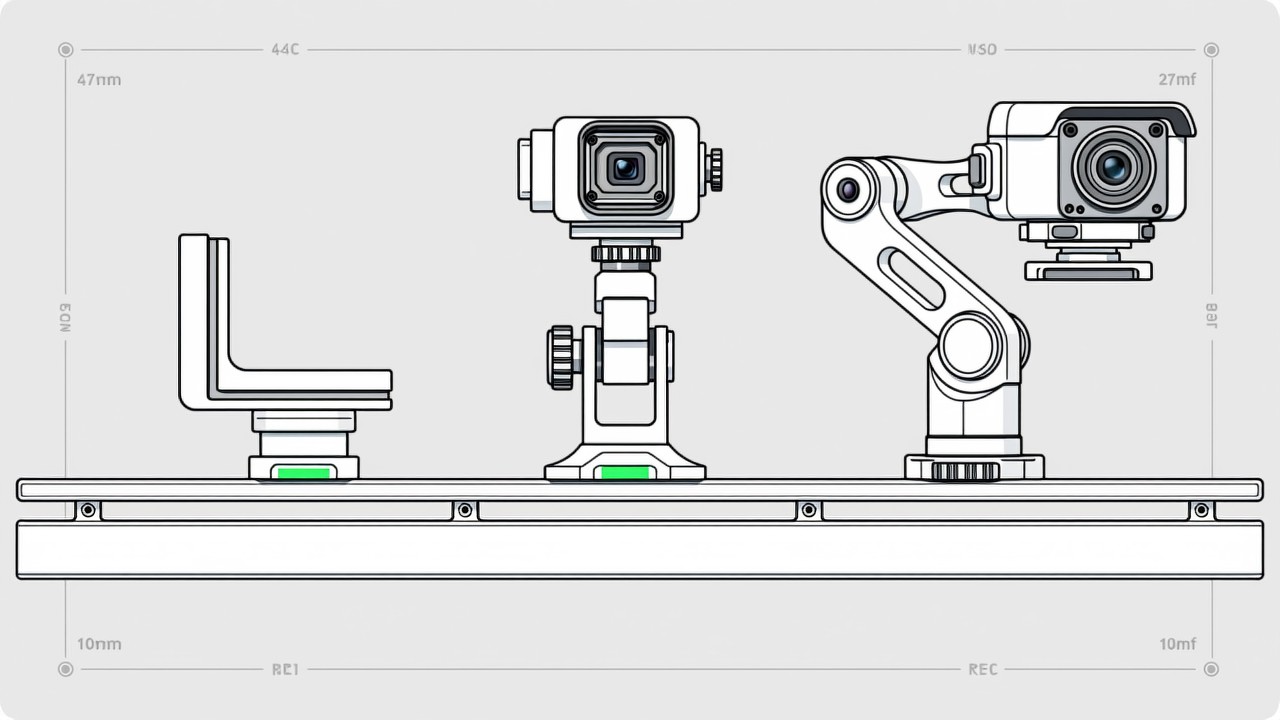
Visual SOP Camera Selection and Mounting
Camera selection for visual SOP is not the same as for product inspection. The s…
Read more → -
Vision Monitoring at the Semiconductor Die Bonder
Semiconductor packaging stations are characterised by high precision, fast cycle…
Read more → -
Wrong-Assembly Alarms Without the False Alarms
The most common reason a visual SOP project fails is not poor recognition — it i…
Read more →
Need specific advice for your production line?
Our engineers can share practical approaches to process error prevention and SOP compliance inspection for your scenario.
Request a free trial plan