
Camera Mounts and Fixtures: Rigidity, Datums and Access
Inaccurate verdicts, unexplained false alarms, and accuracy that decays after a few months all trace back to mounts and fixtures more often than anyone expects. Insufficient rigidity lets the camera angle drift, a fixture without a datum lets every workpiece arrive in a different pose, and a casually chosen mounting position blocks the operator hand or the maintenance hatch. This article gives the hard requirements for a mount, how to trade fixture constraint against algorithm complexity, and the order of priority for choosing where the camera goes.
Key takeaways
- Anchor the mount to a stable structure, never to vibrating equipment or a sheet-metal cover.
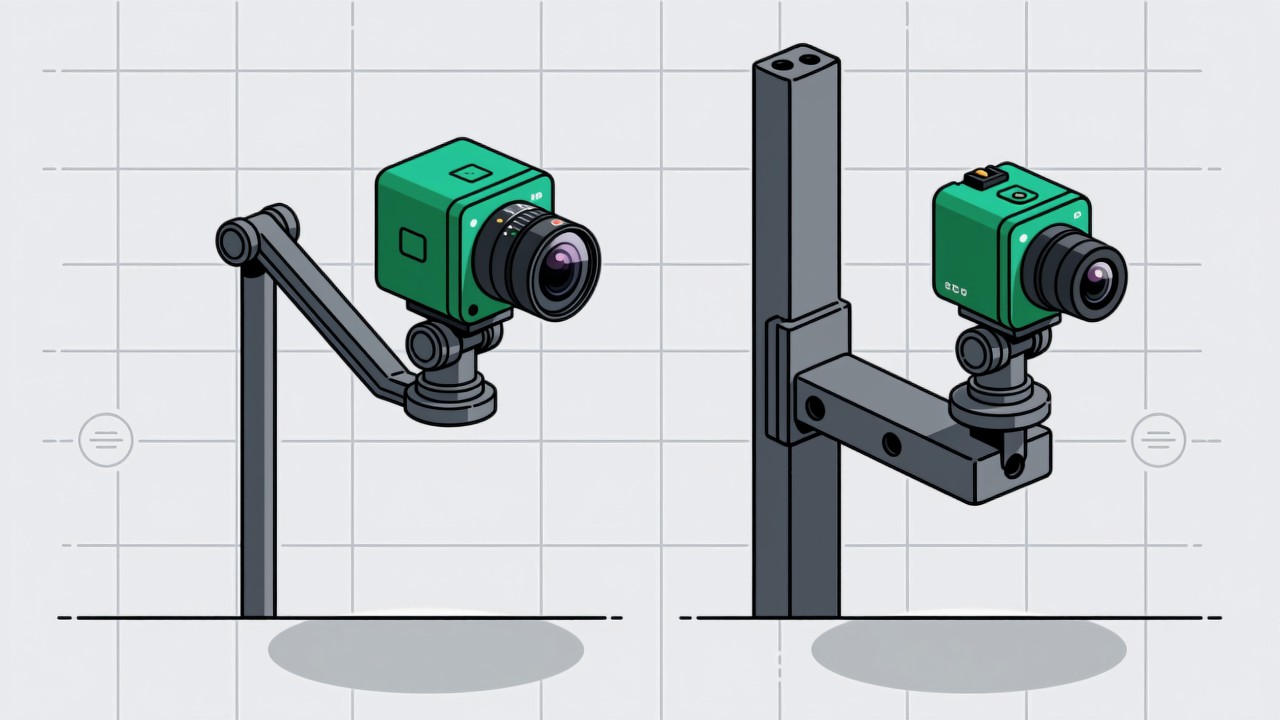
- Long cantilevers are the worst structure for stiffness; keep them short or hang from above.
- A little constraint in the fixture is usually cheaper and more reliable than teaching the algorithm to cope.
- Choose the mounting position for the operator hand and the maintenance hatch first, imaging angle last.
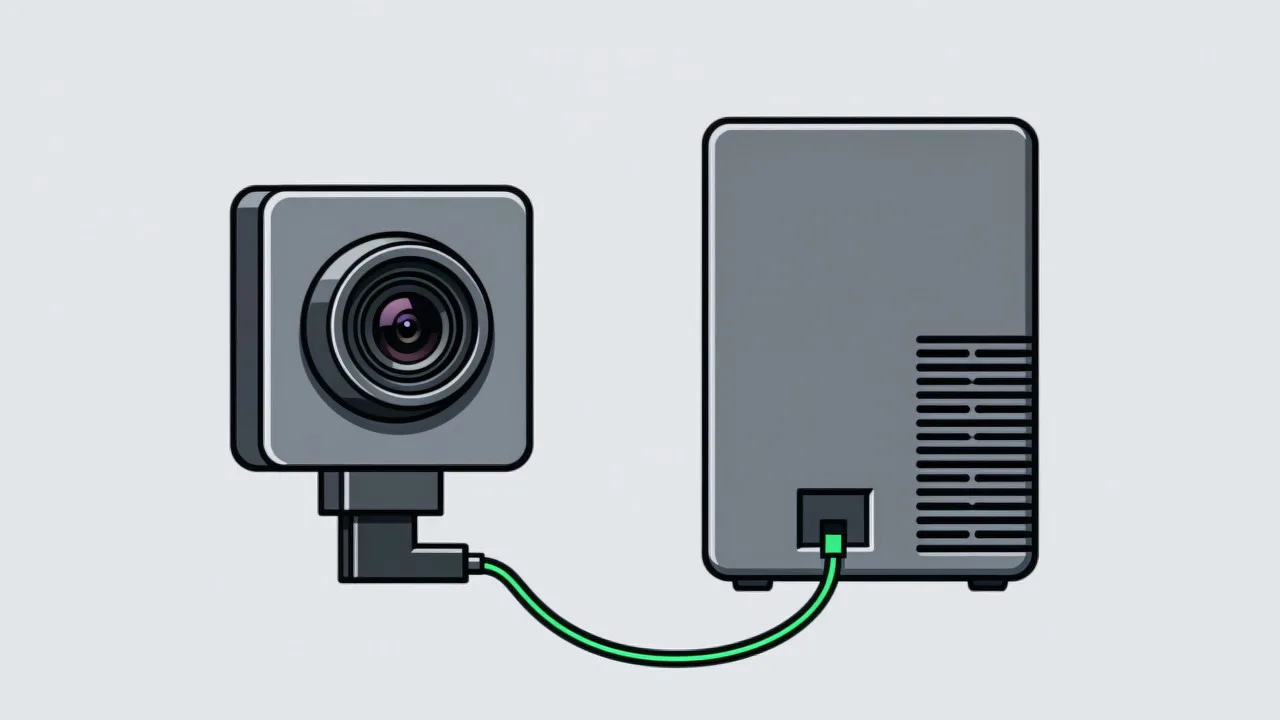
Camera mounts get treated as accessories in a lot of projects — a rod drawn on the layout and nothing more. In practice the mount is the most underestimated part of the system, and it is where a surprising number of stubborn problems end up: verdicts that are not quite right, false alarms with no obvious cause, accuracy that decays after a few months, all traced back to a loose bracket, a shifted angle, or a fixture that lets every workpiece sit differently. The design principles are not complicated. What makes them hard is that they conflict with shopfloor convenience — the easiest place to mount something is usually the spot with the most vibration or the most interference.
Four hard requirements for a mount
- Anchor to a stable structure: machine frame, floor post or wall, anything with real mass. Not sheet-metal covers, air-line brackets, cable trunking or the vibrating machine body itself — those are the vibration sources.
- Keep the cantilever short: stiffness falls with the cube of length, so doubling the reach cuts it to an eighth. Where the camera must reach far, hang from above or anchor to the side rather than extending a long arm.
- Make it repeatable: include a locating feature — dowel pin, edge stop, witness mark — so that after a disassembly the camera returns to its previous position without recalibration. This matters a great deal wherever lenses get cleaned on a schedule.
- Make it lockable: every adjustment axis, angle, height and depth, needs a positive lock. Single-point friction locks, as on a ball head, will drift under vibration, essentially without exception.
Fixtures: trading constraint for algorithm complexity
Workpieces arrive in a slightly different pose every time, and that is the main source of attitude-related false alarms. There are two ways to deal with it: make the algorithm tolerate every pose, or constrain the pose with a fixture. In practice the second is usually cheaper. A locating block, a datum edge or a V-groove can cost a few hundred in local currency and changes the outcome immediately, without extra compute or extra labelling. Constraints do have a cost: they add handling effort for the operator, which a tight station may not accept. The trade-off therefore starts with a question — how much does the pose vary, and how many false alarms does it cause — before deciding how much constraint to add. In most cases a light datum edge removes the majority of the variation for almost no handling penalty.
| Approach | Variation it removes | Cost |
|---|---|---|
| Locating block or datum edge | Position and rotation in plane | Operator must seat the part, a few seconds |
| V-groove or form nest | Axial position and rotation of cylindrical parts | Shape-specific only |
| Vacuum or magnetic base | Position essentially fixed | Needs air or magnetic material |
| Carrier or tray | Consistency across a whole batch | Carrier handling and management |
Placement: people first, machine second
The usual mistake when choosing a mounting position is to chase the best imaging angle first and end up with a camera in the operator's way or blocking the machine's maintenance door. The priority order should be: first, it must not interfere with the operator, including their reach when handling an abnormal situation; second, it must not block maintenance access, particularly doors that open and parts that slide out; third, it should avoid oil mist, coolant splash, high temperature and strong vibration; and only then, among whatever positions remain, choose the best imaging angle. If the imaging really does require an obstructive position, that is usually a signal that the station layout needs rethinking or that a smaller camera and lens combination is needed, not that the camera should be forced in. Putting this order into the design review checklist removes a great deal of rework later.
Leave a route for cleaning
The protective window in front of the lens needs cleaning periodically, and that should be designed for rather than discovered. Three requirements: cleaning must not require removing the camera, since that forces recalibration every time; it must not require moving other parts of the line; and it must not require special tools. If any of the three fails, the shopfloor will quietly stop cleaning, dust will accumulate and drift will accelerate — which shows up later as a system that gets less accurate the longer it runs. A quick-release clip or hinged cover costs very little and turns the maintenance action from a chore into something done in passing. The review rhythm that pairs with this is covered in model drift and recalibration.
Mount and fixture questions we get asked
Can we just use an off-the-shelf articulated arm?
For a prototype, yes. For production, no. Articulated arms have many joints and low stiffness, and they creep under vibration. If flexibility is genuinely needed, choose an industrial arm with locating features and make sure every joint locks positively.
The operator says the fixture constraint slows them down. Now what?
Quantify it: how many seconds does the extra motion cost, and how many false alarms and reworks does it remove. If the net is positive, write the motion into the work standard and train it. If takt genuinely cannot absorb it, revisit the station layout instead of forcing the constraint.
The camera sits inside the machine where it is hot. Does that matter?
Yes. Higher temperature affects sensor noise and lens focus, so images can soften after hours of running. Where possible add a heat shield or forced air, or select a camera rated for the conditions, and state this in the selection requirements.
Is your camera bolted to a frame, or clamped to a sheet-metal cover?
Send us the station and mounting conditions and we will assess the mount and fixture design with you.
Related articles
-
Alarm Fatigue: Why the Floor Turns the System Off
Many visual SOP systems are not beaten by technical problems — they are muted by…
Read more → -
Visual SOP Camera Selection and Mounting
Camera selection for visual SOP is not the same as for product inspection. The s…
Read more → -
Vision Monitoring at the Semiconductor Die Bonder
Semiconductor packaging stations are characterised by high precision, fast cycle…
Read more → -
Wrong-Assembly Alarms Without the False Alarms
The most common reason a visual SOP project fails is not poor recognition — it i…
Read more →
Need specific advice for your production line?
Our engineers can share practical approaches to process error prevention and SOP compliance inspection for your scenario.
Request a free trial plan