
How to Choose a Camera Interface and Size the Bandwidth
The interface decides whether the data can be moved in time. Insufficient bandwidth does not appear as a sluggish or stuttering image; it appears as dropped frames, where a trigger produces no matching image and the verdict is missing, while everything else in the system looks normal. That makes it a quiet failure: it never shows up in a static bench test, rarely in a short acceptance run, and usually surfaces weeks later when somebody notices a gap in the traceability record. Bandwidth therefore belongs in selection arithmetic, not in post-installation guesswork.
Key takeaways
- Bandwidth is width times height times bytes per pixel times frame rate. Do the arithmetic before choosing.
- A gigabit link delivers roughly 110 MB/s in practice, so 5 MP at 30 fps already exceeds it.
- Cameras sharing a switch share the bandwidth. Size the link against the total.
- Leave about 1.5x headroom on the peak, and verify with real data rather than a bench test.
The interface decides whether the data can be moved in time. Insufficient bandwidth does not appear as a sluggish or stuttering image; it appears as dropped frames, where a trigger produces no matching image and the verdict for that part is missing, while every other part of the system looks entirely normal. That makes it a quiet failure. It never shows up in a static bench test, rarely in a short acceptance run, and usually surfaces weeks later when somebody notices a gap in the traceability record. Which is why bandwidth belongs in the selection arithmetic rather than in post-installation guesswork.
Size the bandwidth first, then pick the interface
The arithmetic is simple. Width times height gives the pixel count; times the bytes per pixel gives the size of one frame; times the frame rate gives the bandwidth the link must carry. A monochrome image is one byte per pixel. A colour camera usually transmits unmosaiced Bayer data, also one byte per pixel, but if the conversion to colour happens in the camera or on the host, every later stage has to be counted at three bytes. That last point is frequently missed, and it makes a colour camera three times heavier than it first appears.
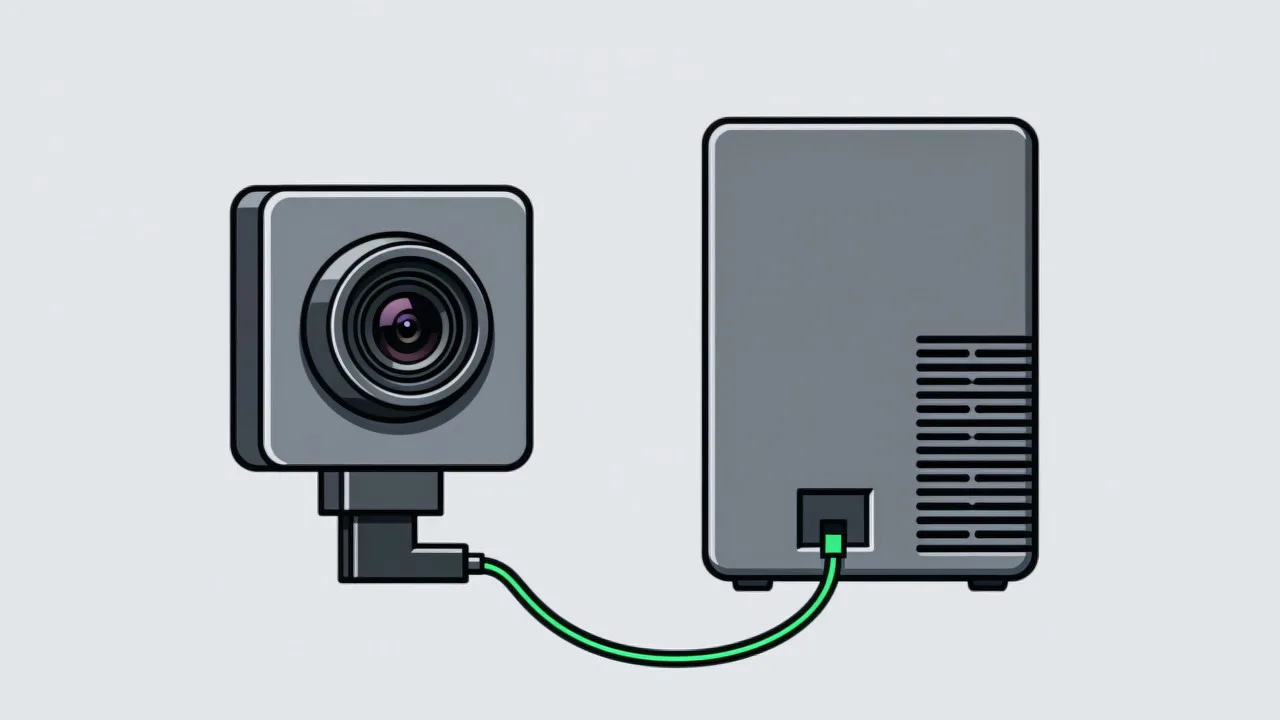
Take a worked example. A 2448 × 2048 monochrome camera at 30 fps: 2448 × 2048 = 5,013,504 bytes, about 5 MB per frame; times 30 gives roughly 150 MB/s. A gigabit link is 1 Gb/s in theory, that is 125 MB/s, and 110 MB/s in practice, so it is clearly short — the symptom is a dropped frame every few frames, varying with network load. Moving to 5GigE or USB3 gives 625 MB/s theoretical and roughly 350 to 450 MB/s usable, which leaves headroom. This is why the same sensor in a GigE body and in a USB3 body suit completely different situations.
| Interface | Usable bandwidth | Cable length | Power | Typical fit |
|---|---|---|---|---|
| GigE Vision | about 110 MB/s | up to 100 m | PoE supported | Moderate resolution, several cameras, long cable runs |
| 5GigE / 10GigE | about 450 / 900 MB/s | about 100 m | Partly supported | High resolution at moderate to high frame rates |
| USB3 Vision | about 350–450 MB/s | 3–5 m | Bus powered | Single machine builds, short distance, cost sensitive |
| Camera Link | about 255–680 MB/s | about 10 m | Not powered | High frame rates with deterministic timing; needs a frame grabber |
Cameras on one link share the bandwidth
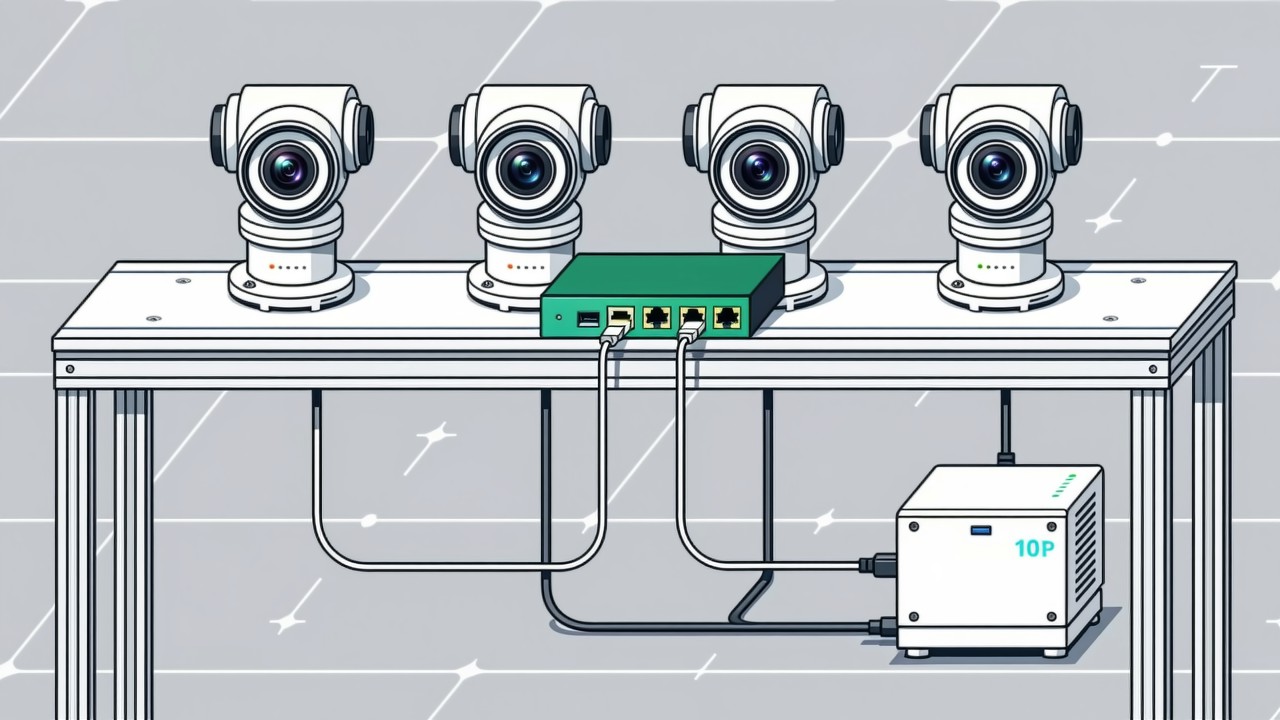
When several cameras connect to the same switch, they share a single pool of bandwidth. Four cameras each needing 150 MB/s behind one gigabit uplink will not fit, whatever the switch is rated at, because that uplink offers about 110 MB/s. The result is random dropped frames, and neither which camera drops them nor when is predictable. The correct approach is a dedicated port or network card per camera, or moving the whole link to 10 gigabit while checking the switch backplane capacity and packet forwarding rate as well — on some inexpensive switches, the rated port speed and the total forwarding capability are not the same thing. There is also a different way to think about the problem: rather than one camera per station, let a single camera serve several stations in turn, and the trade-off is set out in sharing one camera.
Cable, power and triggering belong in the same decision
- Cable length and routing. Gigabit Ethernet reaches about a hundred metres, USB3 becomes unreliable past five, Camera Link about ten. Where the camera sits on a gantry or a robot arm, cable length and drag chain life directly shape the design.
- Power delivery. A PoE camera needs only one cable and removes a power supply from the station, which means fewer failure points over the years. USB3 draws from the bus, but the supply capacity of the host and any hub has to be checked when several run at once.
- Host and controller. Several USB3 cameras running together are often limited by how the host controller allocates channels, which is similar to the situation with network card queues. This never appears in a demonstration setup and appears quite readily on an industrial PC with a handful of cameras.
- Triggering. A hardware trigger driven by a photoelectric sensor or an encoder signal goes straight into the camera trigger input and is far more consistent in timing than a command issued by software. Trigger jitter and its relationship to exposure time is covered separately in triggers and synchronisation.
Common questions about interfaces and bandwidth
Can dropped frames be solved with a bigger buffer?
No. A buffer only enlarges the queue. When the sustained throughput of the link is insufficient, the queue fills regardless and frames are still dropped, just in more concentrated bursts. A buffer absorbs short bursts; it cannot fix sustained overload. Either reduce the bandwidth requirement or move to a wider link.
Does cable quality really affect dropped frames?
It does, and more often than people expect. Gigabit and 10 gigabit are sensitive to cable category, crimp quality, shielding and earthing. Poor cable or a bad field termination shows up as random dropped frames and retransmissions. Bandwidth can be calculated perfectly and one bad cable will still ruin the result, so site acceptance should include a continuity and error check on the cabling.
How much headroom should be left?
About 1.5 times the peak requirement is a sound target: a calculated 150 MB/s calls for a link with 200 MB/s or more usable. A design with little margin will degrade over time as cable ages, switch load rises and other host tasks compete for resources — and that kind of degradation is very hard to trace back to the interface.
What frame rate does your line actually need?
Tell us the part, the field of view and the cycle time, and we will size the bandwidth before settling on an interface and cabling.
Related articles
-
Alarm Fatigue: Why the Floor Turns the System Off
Many visual SOP systems are not beaten by technical problems — they are muted by…
Read more → -
Visual SOP Camera Selection and Mounting
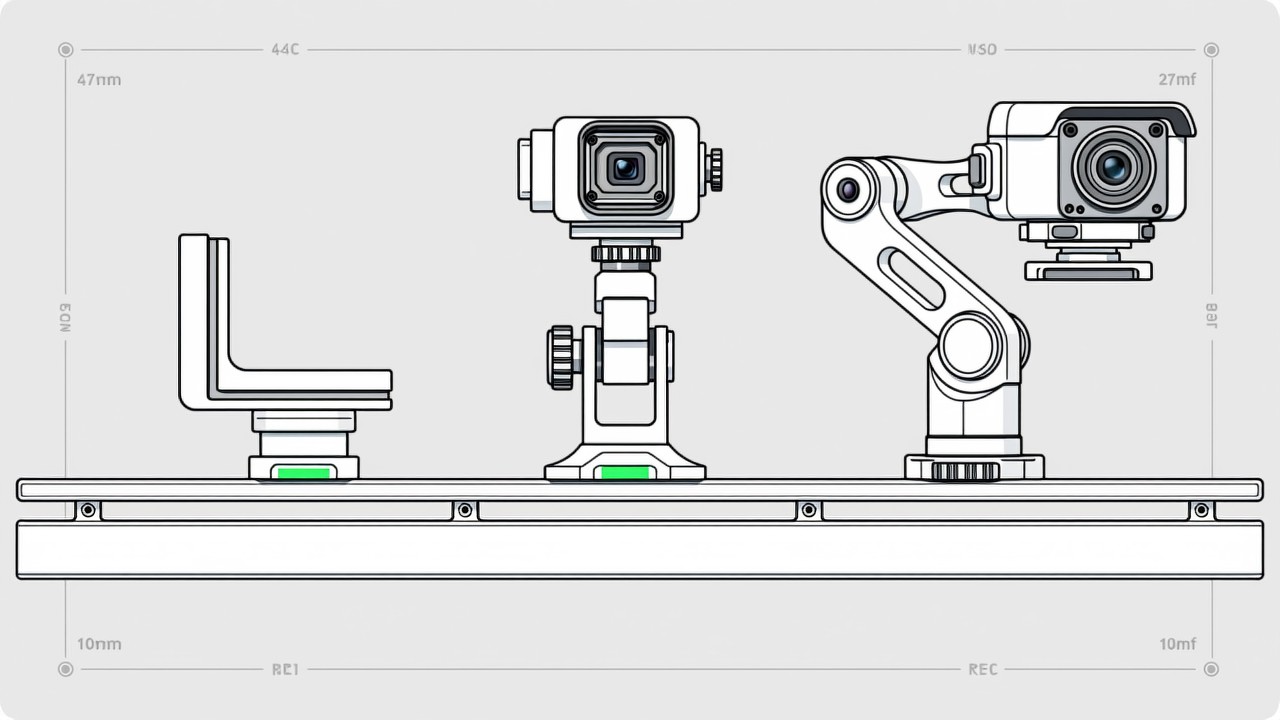
Camera selection for visual SOP is not the same as for product inspection. The s…
Read more → -
Vision Monitoring at the Semiconductor Die Bonder
Semiconductor packaging stations are characterised by high precision, fast cycle…
Read more → -
Wrong-Assembly Alarms Without the False Alarms
The most common reason a visual SOP project fails is not poor recognition — it i…
Read more →
Need specific advice for your production line?
Our engineers can share practical approaches to process error prevention and SOP compliance inspection for your scenario.
Request a free trial plan