
Triggering and Synchronisation: When to Take the Picture
Most image quality discussions are about resolution, lens and light, but the verdict depends just as much on the instant the shutter opens. A part that is five millimetres from where the algorithm expects it smears a clean edge into an ambiguous one, and no amount of tuning downstream recovers the fact that the picture was taken at the wrong moment. Triggering is where a mechanically sound station most often goes wrong, because the errors are small, intermittent and invisible in a still frame.
Key takeaways
- A software trigger carries operating system latency; a hardware trigger does not.
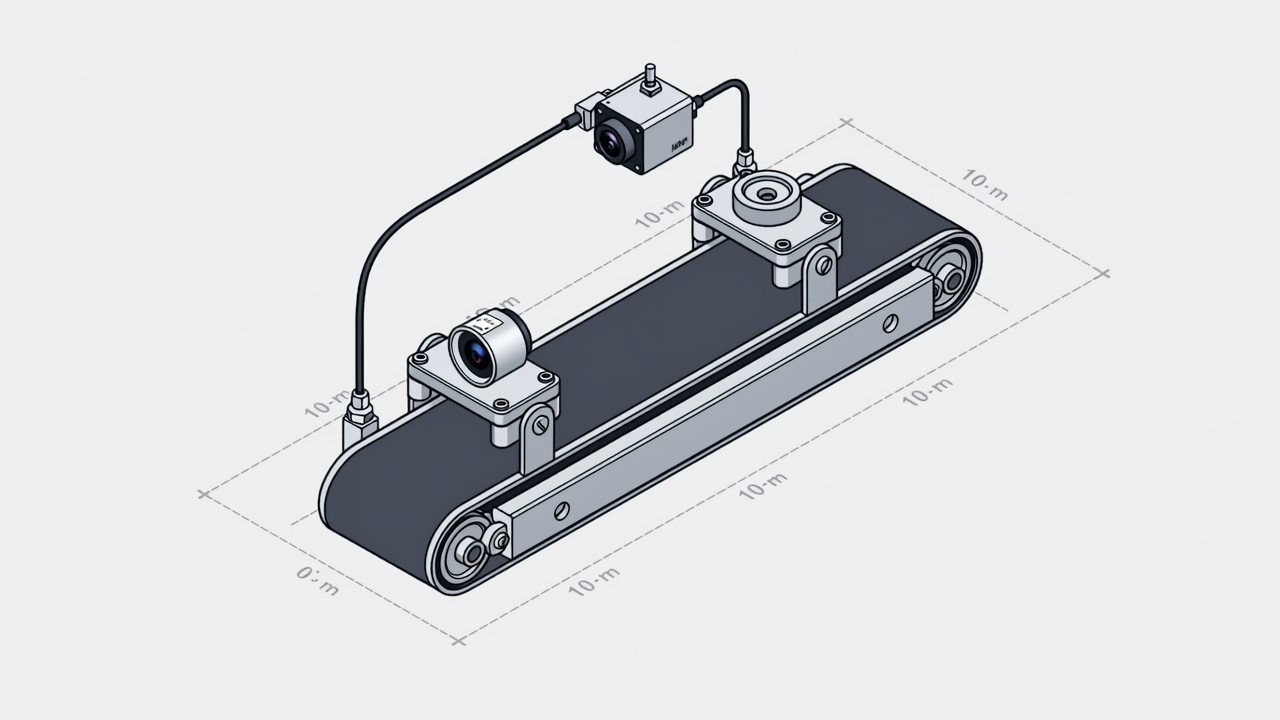
- A photoelectric sensor marks a place, an encoder marks a distance. Moving parts usually want the encoder.
- Latency is fixed and can be compensated. Jitter varies and cannot, so it sets the floor.
- Even a short exposure smears a moving part if the shutter readout is sequential.
A correct algorithm running on a badly timed image still produces a wrong verdict. The part is not where the algorithm expects it, the region of interest clips the edge, the template match settles on the wrong feature. What makes this failure mode so persistent is that nothing looks broken: the image is sharp, the lighting is right, the model was validated on the bench. It is simply a picture of the wrong instant, and it happens only when the line runs at production speed.
Hardware trigger and software trigger
A software trigger means the host program decides the moment and sends a command over the network or the bus. The problem is that it is a command in a queue. The operating system may be scheduling something else, the network stack may be buffering, the application may be waiting on a database write. The result is a latency that is typically tens of milliseconds and, more importantly, one that varies from part to part. For a stationary part this is irrelevant. For a part on a conveyor it is the difference between imaging the part and imaging the gap behind it.
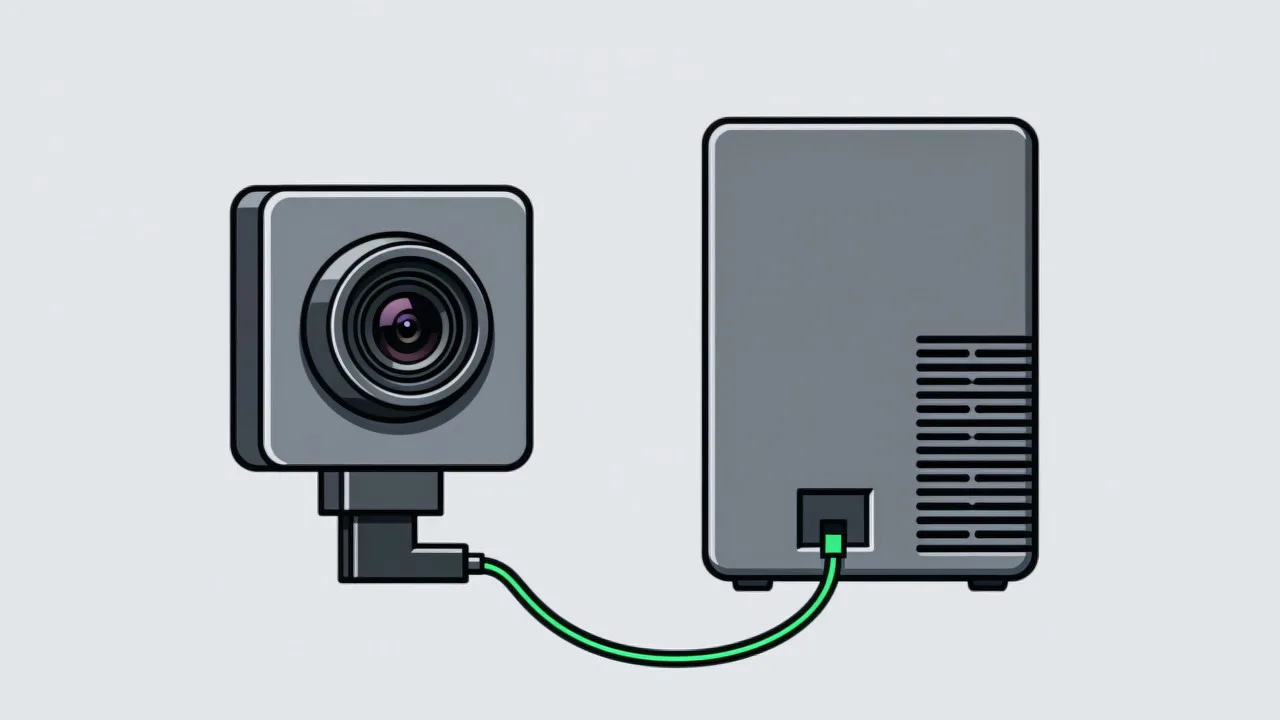
A hardware trigger feeds an electrical signal directly into the camera trigger input, and the camera responds in a time measured in microseconds, defined by the sensor rather than the host. That is the reason a photoelectric sensor wired to the camera input outperforms a much more expensive host computer issuing the same instruction in software. The rule is straightforward: whenever the part is moving, or whenever the station cycle time is under about a second, use a hardware trigger.
A sensor marks a place, an encoder marks a distance
A photoelectric sensor fires when the part interrupts the beam. It is simple and cheap, but it fires at a position that depends on the part itself: a light part, a shiny part, a part with a hole at that point, or a part arriving at a slight angle all trip the beam at slightly different moments. The consequence is a positional spread of a few millimetres, which for a task like reading a small mark or measuring a short gap is often too much.
An encoder solves this by generating a pulse every fixed increment of conveyor travel, so the trigger is tied to distance rather than to a beam interruption. Because the pulse is a property of the conveyor and not of the part, the image is taken at the same physical position for every part, and the variation introduced by part geometry disappears. For anything on a driven conveyor or a indexing table, the encoder pulse is the more stable choice. Note that this is the same division of labour that decides what the vision system should judge and what a simpler sensor should handle, which is set out in vision and sensors.
Latency can be compensated, jitter cannot
Two timing errors are routinely confused, and they need opposite responses. Latency is the fixed lag between the trigger event and the moment of capture — the camera wake-up time, the cable propagation, the deliberate delay a controller inserts. Latency is harmless in itself because it is predictable: if every image is taken 8 ms late, the trigger can simply be moved 8 ms earlier, and the images land where they should.
Jitter is the part that varies, and it cannot be compensated because there is nothing stable to subtract. Trigger-to-capture jitter from the camera, variation in the conveyor speed, mechanical play in a chain drive and vibration in the mounting bracket all contribute. Jitter sets the floor on positional repeatability, and that floor converts directly into measurement uncertainty through the arithmetic in accuracy conversion. Reducing the exposure time reduces the distance travelled during the exposure, but it does not reduce jitter in the trigger instant itself.
| Source | Typical magnitude | Effect |
|---|---|---|
| Software trigger latency | 10–50 ms, varying | Part shifted within the frame; ROI misses the feature |
| Photoelectric sensor tripping | Sub-millisecond, but part dependent | Positional spread of a few millimetres between parts |
| Encoder pulse quantisation | One pulse pitch, typically 0.1–1 mm | A small fixed offset, identical for every part |
| Camera trigger jitter | A few microseconds to a few hundred | Bounded but irreducible positional noise |
| Sequential sensor readout | 5–30 ms per frame | Shear on moving parts even with a short exposure |
Common questions about triggering
Can the PLC provide the trigger instead of a dedicated sensor?
It can, and it is often the cleanest arrangement because the PLC already knows the machine state and can suppress triggers while the station is not ready. The caveat is PLC scan time: a scan of 10 ms adds jitter of the same order. Confirm the scan cycle time before relying on a PLC trigger for a fast-moving part.
How short should the trigger cable be?
Keep it short and keep it away from motor and drive cabling. A trigger signal is a fast digital edge, and induced noise on a long unshielded run produces spurious triggers, which appear as unexplained extra images or as images taken at the wrong point. Shielded cable with the screen earthed at one end is the standard answer.
Do we need a strobe controller?
When the part is moving fast and the exposure has to be very short, a pulsed source driven by the same trigger gives more light in a shorter window than a continuously lit source can. It also removes the smearing caused by a source that is on while the part moves. A strobe adds a synchronisation path that must itself be verified, so it is worth adding for speed rather than as a default.
Is your station verified at production speed?
Tell us the line speed, the part pitch and how the camera is currently triggered, and we will work out the timing budget and what has to change.
Related articles
-
Alarm Fatigue: Why the Floor Turns the System Off
Many visual SOP systems are not beaten by technical problems — they are muted by…
Read more → -
Visual SOP Camera Selection and Mounting
Camera selection for visual SOP is not the same as for product inspection. The s…
Read more → -
Vision Monitoring at the Semiconductor Die Bonder
Semiconductor packaging stations are characterised by high precision, fast cycle…
Read more → -
Wrong-Assembly Alarms Without the False Alarms
The most common reason a visual SOP project fails is not poor recognition — it i…
Read more →
Need specific advice for your production line?
Our engineers can share practical approaches to process error prevention and SOP compliance inspection for your scenario.
Request a free trial plan