
Retrofitting Vision onto a Legacy Line Without Stopping It
Adding vision to old equipment runs into three shopfloor constraints far more often than it runs into technical limits: no access to PLC signals, no spare mounting position, and a shutdown window measured in hours. Treating these as premises rather than obstacles splits the work naturally into two stages. Stage one runs entirely without stopping the line and only watches, never interlocking, so the system starts producing data immediately. Stage two uses an existing shutdown window for the fixed install and the interlock. This article lays out both stages and the constraints to confirm with maintenance before anything is ordered.
Key takeaways
- A first stage that only observes and never controls lets the retrofit start with zero production risk.
- No PLC access does not mean no project; timing triggers and image differencing replace most of it.
- With a few hours of shutdown, brackets and cables must be pre-built off-line and only fixed on site.
- Old equipment vibrates, sheds dust and runs hotter than new equipment; brackets must suit the harsher case.
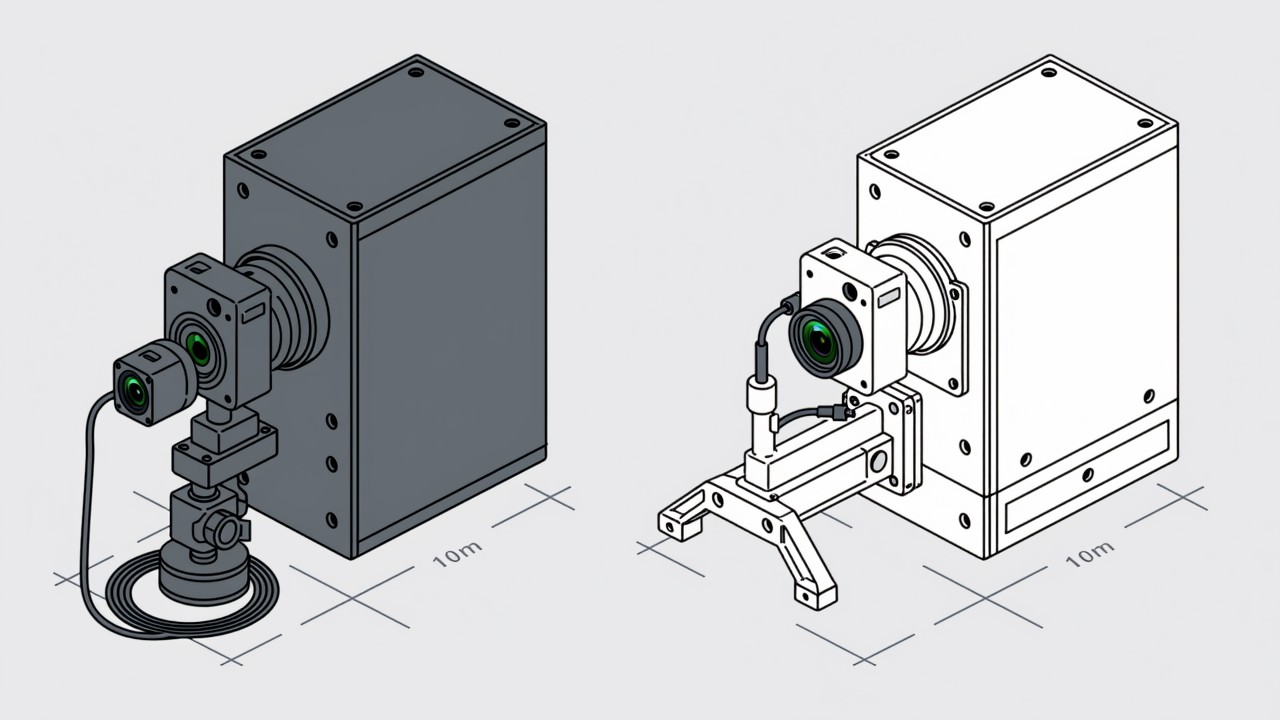
Adding vision to old equipment is rarely blocked by the camera or the algorithm. It is blocked by three shopfloor constraints: no access to internal PLC signals, so you cannot know whether the workpiece has arrived; no spare mounting position on the machine; and a shutdown window that may be a few hours, once or twice a year. Treating these as premises rather than obstacles splits the work naturally into two stages. Stage one runs entirely without stopping the line and only watches, never interlocking — the system starts running and starts accumulating data. Stage two takes an existing shutdown window for the fixed install and the interlock. The practical benefit of this ordering is that by the end of stage one you have real data, so thresholds and interlock logic in stage two rest on evidence instead of guesswork at the machine.
Stage one: four things you can do without stopping
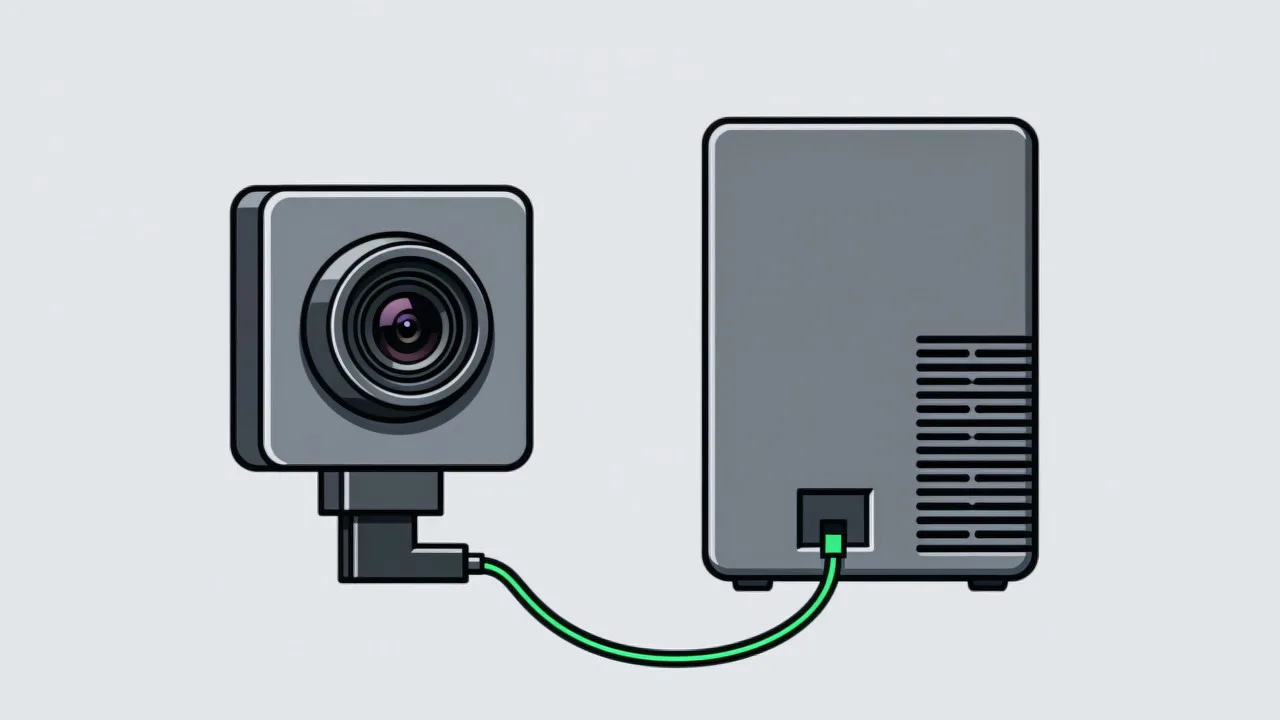
- Temporary mounting: magnetic bases, C-clamps, cable ties or a free-standing post. Do not aim for appearance or long-term stability, only for a usable view. Keep it out of the operator's working envelope.
- Independent power and network: do not open the machine cabinet. Use a nearby socket with a small switch or wireless backhaul, so no existing cabling is touched.
- Software or timing triggers: without PLC signals, either sample at fixed intervals, trigger from a standalone sensor such as a photoelectric or proximity switch, or record continuously and segment on image change.
- Record only, never control: output goes to a database and a dashboard, drives no actuator, issues no stop command. Production risk is zero, and acceptance on the floor is far easier.
After stage one has run for a while, it produces valuable material: real miss and false alarm behaviour, an imaging quality assessment per station, which check items genuinely work and which need a different angle or additional light. The same data is also the strongest possible input when asking management to fund stage two — several weeks of real statistics persuade far better than a proposal document. For how to determine that an action occurred without a PLC signal, vision versus sensors compares the triggering options.
Stage two: what must be finished inside the window
A shutdown window is usually hours, so site work has to be planned to the minute, and anything left to "work out on site" will consume the window without finishing. The workable approach is to prefabricate everything that can be prefabricated: brackets cut and welded to measured dimensions, cables terminated to length, camera focus and exposure pre-set on a bench using a stand-in part. On site only three things remain — fix, wire, calibrate. Calibration in particular needs generous time, because it is the one step that cannot be prefabricated at all: the camera has to run against real workpieces to confirm field of view, focus and criteria. As a rule, allow at least two hours per station for on-site mounting and calibration, scale it by station count, and keep at least a hundred percent contingency on top.
| Task | Prefabricable | Estimated time |
|---|---|---|
| Bracket mounting and fixing | Dimensions yes, drilling on site | 20-40 minutes |
| Camera and light assembly | Yes, pre-set on a bench | 10-20 minutes |
| Cable routing and termination | Yes, terminated to length | 20-40 minutes |
| Field of view, focus, exposure | No, needs real workpieces | 30-60 minutes |
| PLC or andon interlock commissioning | Partly, logic written in advance | 20-40 minutes |
| Trial run and confirmation | No | 30 minutes or more |
Extra care on old equipment
The same camera and bracket may last several times longer on new equipment than on old. Vibration is usually more pronounced, and sustained vibration loosens brackets and slowly shifts camera angles, which shows up as verdicts that gradually stop being accurate. Dust and oil mist are heavier, so a film forms on the front surface quickly and overall contrast drops. Internal temperatures are higher, so focus can drift after hours of running. All three are slow variables: they do not appear immediately, which is exactly why they get missed. Choosing brackets for the harsher case — thicker plate, anti-loosening features, a replaceable protective window — and writing cleaning and angle checks into the maintenance routine is far cheaper than fixing it afterwards. A fuller list appears in shopfloor effects on vision.
Legacy retrofit questions we get asked
The OEM will not cooperate. We cannot get any documentation.
Start with stage one: no existing signals, no existing wiring, a fully independent observation system. That path almost always works, and the data it produces frequently makes the OEM willing to cooperate on stage two.
Will a temporary mount hurt accuracy over time?
Yes, so read stage one data as "trend valid, absolute values provisional". Once stage two is fixed in place, recalibrate and re-verify rather than carrying over the stage one parameters.
Do we need to stop the line so the camera can take a shot?
No. Mounting and wiring can happen during maintenance, changeover or breaks; the camera itself samples while the line runs normally. Only the fixed install and interlock commissioning need a stop.
How long a shutdown window can your line give you?
Tell us the line condition and the windows available and we will map out a retrofit sequence that never stops production.
Related articles
-
Alarm Fatigue: Why the Floor Turns the System Off
Many visual SOP systems are not beaten by technical problems — they are muted by…
Read more → -
Visual SOP Camera Selection and Mounting
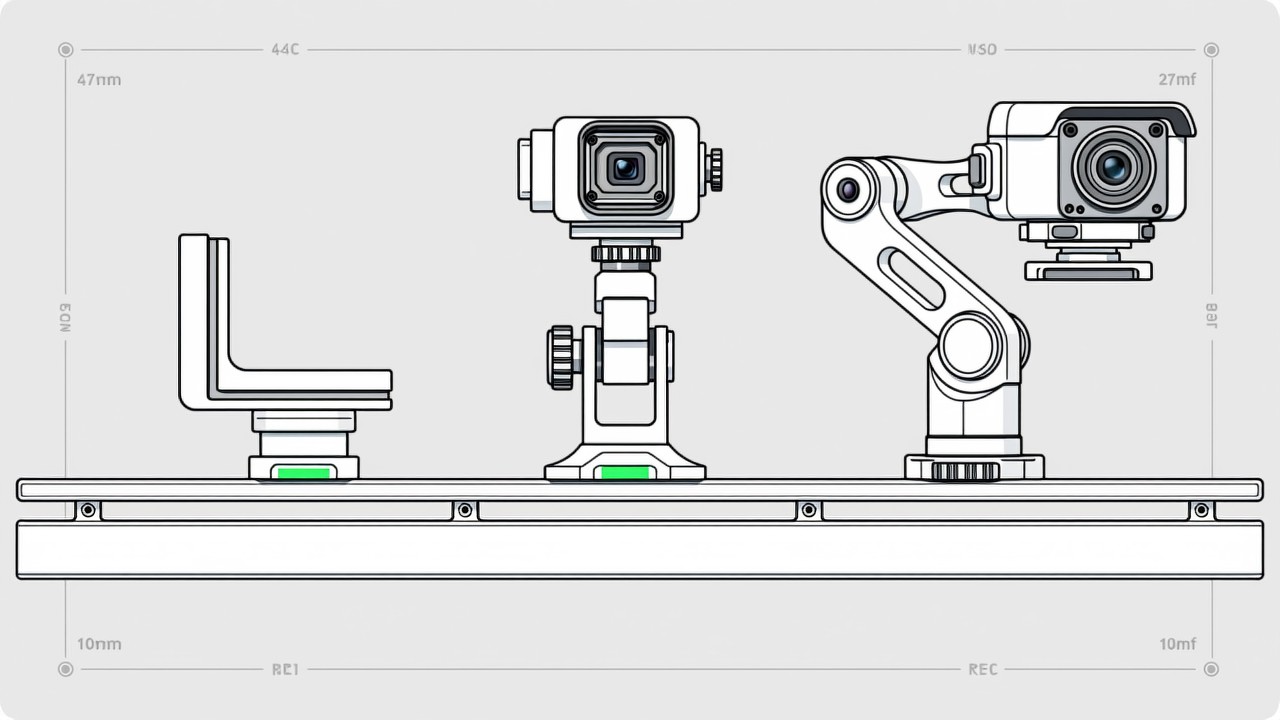
Camera selection for visual SOP is not the same as for product inspection. The s…
Read more → -
Vision Monitoring at the Semiconductor Die Bonder
Semiconductor packaging stations are characterised by high precision, fast cycle…
Read more → -
Wrong-Assembly Alarms Without the False Alarms
The most common reason a visual SOP project fails is not poor recognition — it i…
Read more →
Need specific advice for your production line?
Our engineers can share practical approaches to process error prevention and SOP compliance inspection for your scenario.
Request a free trial plan